 About GitHub Copilot
Use GitHub Copilot canvases to shape interfaces around your workflow this week
Build a shared, editable UI that follows your process: use the Copilot app’s /create-canvas skill to prototype a kanban, checklist or triage board this week.
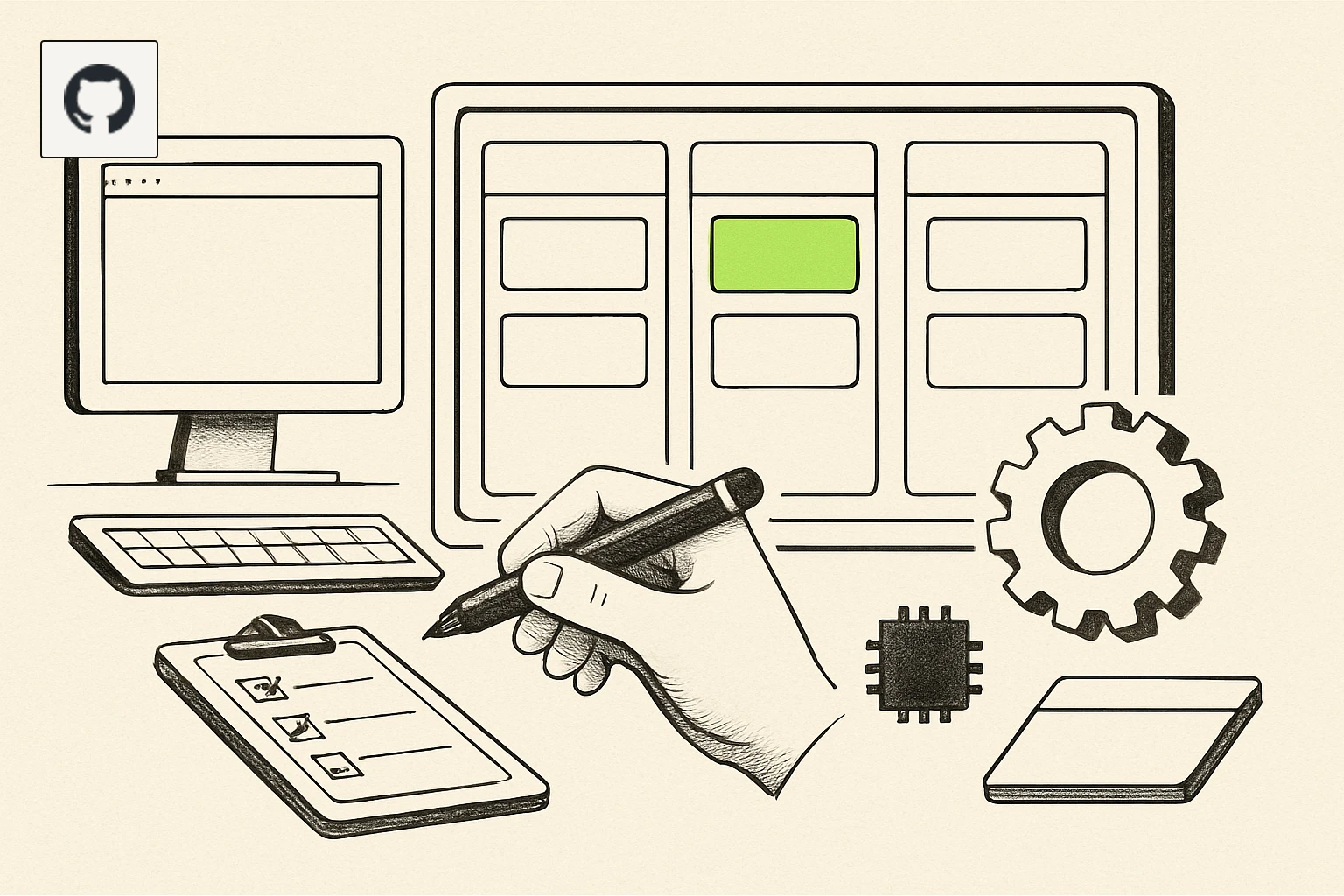
AI generated — machine-made illustration, not a photograph of the event.
Small teams can stop bending work to fixed tool screens: GitHub Copilot canvases let you define the workflow and get an interface that follows it, saving setup time and reducing coordination overhead.
What actually changed
GitHub added "canvases" (canvas extensions) to the Copilot app. A canvas is a customizable, bidirectional interface you and the agent share: it can be a kanban board, an issue triage board, a release checklist, a dashboard, a form or a spreadsheet. The agent can update the canvas as it works, and you can use controls such as buttons, cards and filters to make manual changes. To create one you open an agent session and run the /create-canvas skill, then describe the canvas in plain English. The announcement says your prompt should cover three things: the workflow the canvas should support, what you must be able to do in the interface, and what the agent should be able to do.
Who this affects
- Small engineering, product and operations teams that already use the GitHub Copilot app and want interfaces aligned with their processes rather than fixed app screens.
- Project owners who need shared, live checklists or triage boards that an AI agent can update as work progresses.
- Teams that rely on lightweight UIs—kanban, checklists, simple dashboards or forms—because canvases can be shaped to those exact formats.
All of the above follows directly from the feature description: canvases are presented as user-shaped interfaces and are bidirectional between user and agent.
What it costs or what it replaces
The blog post contrasts canvases with tools that impose a fixed set of screens and says canvases let you "start with the workflow you want instead and have the interface take shape around it." In practice that means canvases replace the need to shoehorn work into pre-built screens for the kinds of lightweight UIs listed in the announcement. The announcement does not state pricing or licensing changes.
What we don't know
- Whether canvases are available to all Copilot app users or limited to specific plans or previews.
- How canvases are stored, versioned or tied to repositories and teams.
- Which permissions govern agent actions on canvases (who can approve agent updates).
- Limits on canvas size, number of controls or performance constraints.
- Whether canvases expose an API or developer SDK for advanced customisation.
What to do next
- Try building a minimal canvas this week: open the GitHub Copilot app, start an agent session and run /create-canvas. In your prompt state the three required items: the workflow you need, the actions you must be able to perform in the interface, and the actions you want the agent to perform. Use a single, narrow workflow—an issue triage board, a release checklist or a tiny kanban—as your first experiment.
- Validate interaction and ownership: during the same session, use the canvas controls the announcement mentions (cards, buttons, filters) to edit items and observe whether the agent updates them. Keep a short checklist of who on your team can see and change entries so you can test permissions and collaboration in a controlled way.
- Decide whether to replace an existing screen this month: pick one routine process you currently force into another tool's fixed UI (for example, release notes or triage). Recreate it as a canvas and run one real cycle. If the canvas removes manual steps or reduces coordination messages, consider rolling it out to the rest of the team; otherwise keep iterating.
(Feature announced on GitHub’s blog, 25 September 2026.)
- GitHub Blog — original reporting
Links above go to the original publisher. Signalcraft states the consequence; it does not reproduce their text.