Your own documents
Get answers from a document you supplied, and know why they are safer.
13 min readPlus one task, about 10 min
The one idea
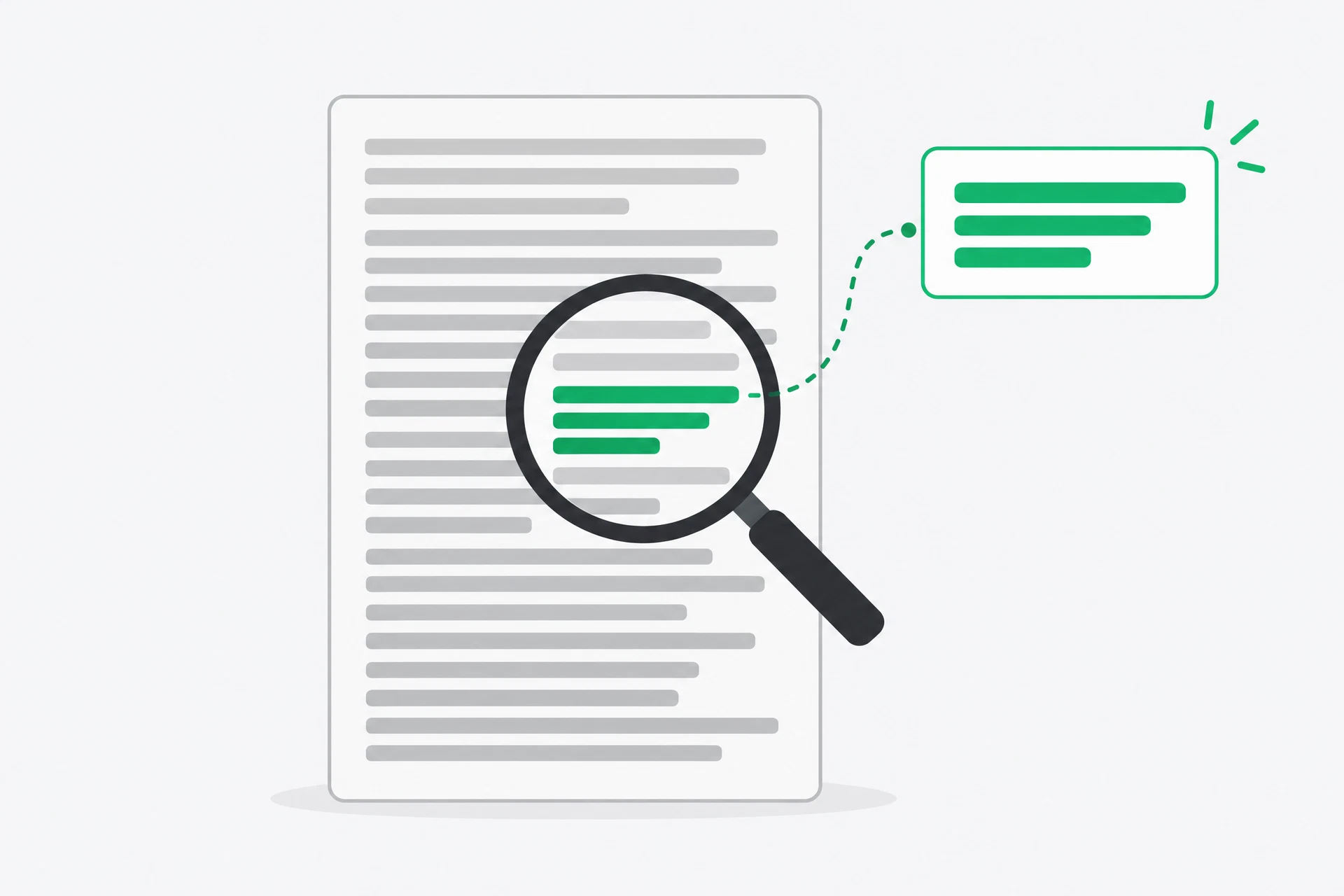
A document upload changes the job. Instead of asking the model to remember an answer, you give it the material that contains the answer and ask it to work from that material.
That does not make the answer automatically true. A scan may be unreadable, a clause may be easy to misread, and the model may still summarise badly. It does, however, change the source of the answer from a general prediction to the particular PDF, contract or report in front of you. You can return to the page and check it. That is a much better starting point than trusting fluent memory.
Why it matters
This is the first moment in the course where the tool can save hours rather than minutes. A long policy, lease or report is difficult because the useful sentence is surrounded by forty pages of context. A document-aware chat can find the obligations, compare sections and translate formal language into ordinary language while you keep the original open.
It is also the first moment privacy genuinely matters. A document can contain names, account numbers, prices, medical details or information covered by a contract. Uploading it is sending data to a service. The safe habit is simple: remove what the question does not need, check the service's data controls, and use the result as a reading aid rather than as legal or financial advice.
 AI-generated illustration
The tools you will use
How a document question becomes an answer
- Choose the question before choosing the file. 'Summarise this' is a reasonable first pass, but 'What does this commit me to, and by when?' tells the tool what to find and gives you something you can verify.
- Prepare a copy. Remove account numbers, identity numbers, full customer names and anything marked confidential. Keep headings, page numbers and dates, because those are often the handles you need when checking an answer.
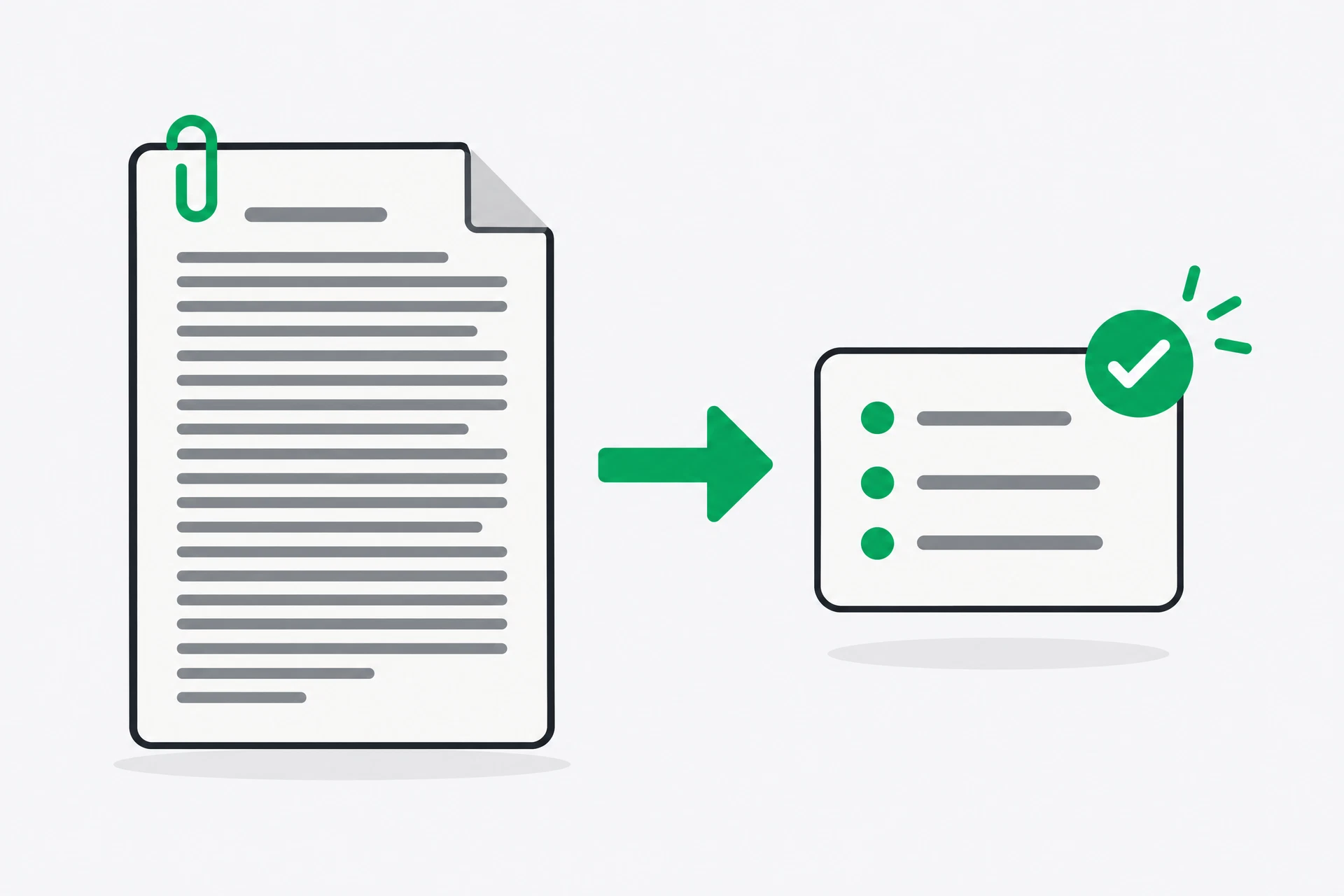
- Upload the document to ChatGPT, Claude or NotebookLM. Wait for the tool to finish processing it. If it says the file is image-only, treat every answer with extra caution; a poor text extraction can make a perfectly sensible question impossible to answer.
Use only the document I supplied. If the answer is not in it, say: "Not stated in the document." Include the page or section for every important claim.
- Ask one question at a time. The first answer gives you vocabulary from the document, the second can then name a clause or heading, and the third can test an implication. A single huge request hides which part went wrong.
- Open the cited page or search for the quoted phrase yourself. Check whether the passage says what the answer claims, and whether another section changes the meaning. Definitions, exceptions and appendices are where short summaries most often lose the important detail.
- Turn the answer into an action or a question for a person. The tool can help you read; it cannot sign, approve, negotiate or take responsibility for a decision that the document affects.
 AI-generated illustration
See it
Imagine a six-page service agreement. A generic request produces a neat list: term, price, renewal and cancellation. That is a summary, but it does not yet tell you what to do.
A better sequence asks: 'What does this commit me to? List each obligation, the party responsible and any deadline.' The answer might identify a fourteen-day notice period, a duty to provide access and a charge that applies after the included hours. You then ask: 'Which section supports each item?' The tool can point you to headings or passages, and you can open those pages to check them.
The important change is not that the prose sounds more professional. It is that the answer has an address. If the answer says the agreement renews automatically, you can find the renewal clause. If you cannot find it, the answer is not ready to use. That is the difference between document-grounded assistance and a plausible paragraph about contracts in general.
Read the document you have been avoiding
You supply the source, so the answers are grounded. Fifteen minutes of your own avoidance is the entry price, and the result is a written note you can act on rather than a summary you forget.
- Choose a real document you have been putting off — a contract, a policy, a loan agreement, a long report, or terms you accepted years ago. Do not use a document whose owner has forbidden you to upload it.
- Do the safety check first. Blank out account numbers, ID numbers, full customer names and anything marked confidential. Keep the dates, headings and wording needed to understand the question. Note which tool you used and what its data setting says.
- Upload the document and ask these four questions one at a time. Save the replies in a note with the document name and today's date.
1. Summarise this in five bullet points, in plain language.
2. What does this commit me to? List every obligation with its deadline.
3. What does this not tell me? What is left undefined or vague?
4. If something goes wrong, what does this document allow the other side to do?
- Find the single most important sentence in the document yourself. Search the text, read it in full, and confirm the summary matches what the document actually says. If the tool gave no page or section, ask for one before accepting the answer.
- Write down the one thing you know now that you did not this morning, and the one action it implies. Add a second line for anything you need to ask a lawyer, lender, manager or other responsible person. For anything serious, the tool is preparation, not professional advice.
What you should notice
Question 3 earns its keep. Every summary tool can tell you what a document says. The value is in what it fails to say — an undefined responsibility, a missing deadline, a vague term that leaves you exposed. Absence is harder to notice than presence, so asking for gaps makes the reading more useful.
Notice the change in reliability too. Answering from a document you supplied, it is grounded. Answering from memory, it is guessing. Same kind of tool, completely different trustworthiness, and you control which one you get. The citation or page reference does not remove your judgement; it gives your judgement somewhere specific to look.
There is a practical privacy lesson here as well. Redaction is not a ceremonial warning before the useful bit. It is part of asking a good question. If the tool only needs the dates and obligations, do not give it the person's full identity and account number.
If you have five more minutes
Ask: 'What questions should I ask the other party before signing?' Sort the reply into questions answered by the document, questions that require another person, and questions that require professional advice. Then actually ask the first useful question. Keep the list with your document.
Tomorrow
Numbers, where it is brilliant and wrong at the same time.
Get the rest by email
One lesson each morning at 07:00 IST, with the task written out in full so you can do it from your inbox.
This is the course, not the newsletter. Joining does not subscribe you to the daily Brief.