What automation actually means
Have found the one repetitive task worth automating in your own week.
13 min readPlus one task, about 10 min
 AI-generated illustration
The one idea
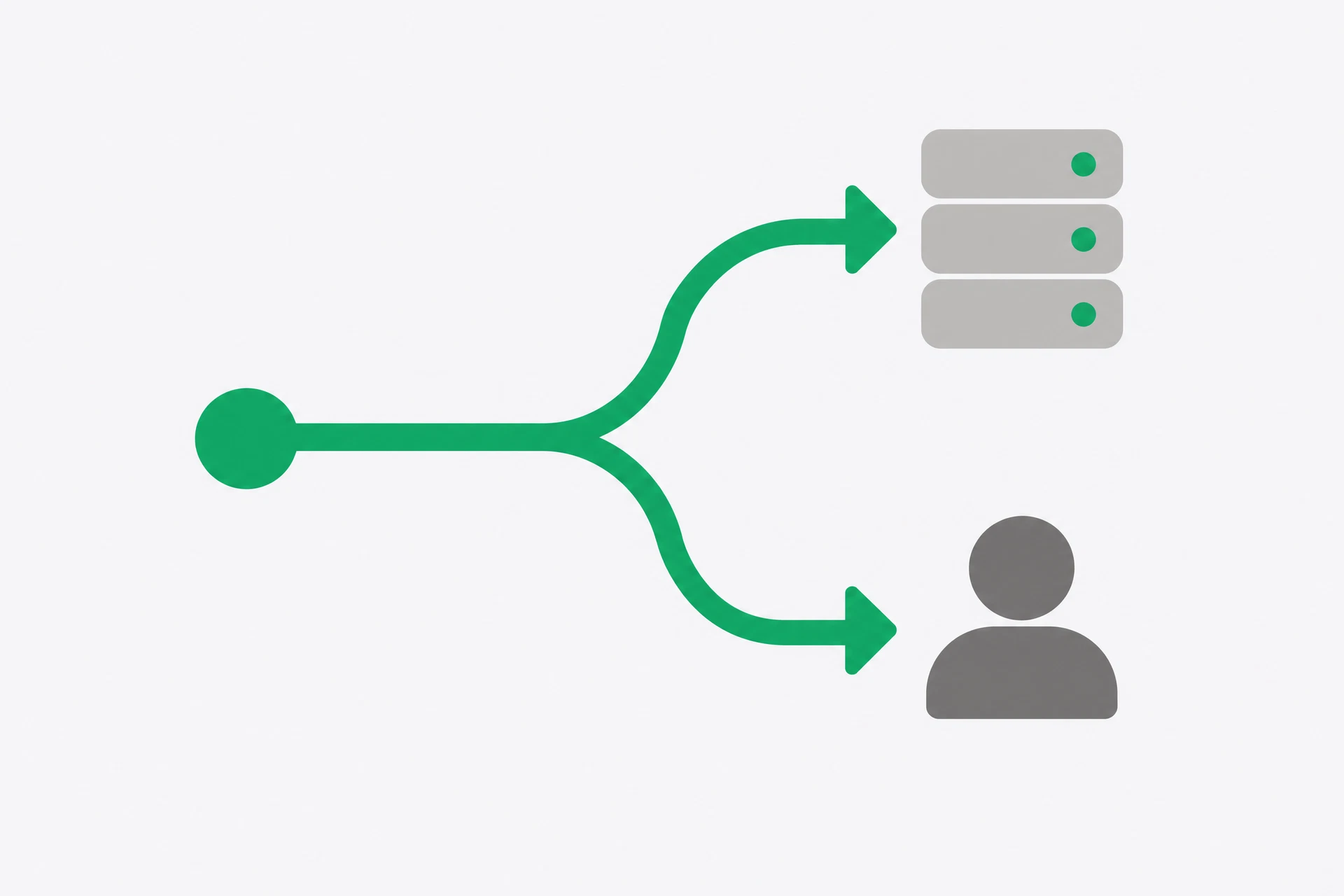
Automation is a trigger plus an action. Nothing more. A trigger is an event that starts the work: a form is submitted, an email arrives, a time is reached, or a row is added to a table. An action is what happens next: save the information, send a message, create a task, or ask an AI assistant to turn messy text into a draft.
The word has acquired a glossy meaning, as if automation were a small employee who notices everything and makes sensible decisions. It is not. A basic automation is a short set of instructions that waits for a condition, then moves information from one place to another. If you want judgement, you must supply a rule, a review step, or a person.
This distinction matters because it gives you a useful starting point. You do not need to automate a whole department. You need to notice one thing you repeat, describe the event that starts it, and choose one safe action that follows. A small loop you understand is worth more than a grand system you cannot explain.
There is a useful test here. Could you draw the process on a scrap of paper using three boxes? If the answer is yes, you may have a first automation. If the answer is no, the process probably contains an unresolved decision. Write that decision down instead of hiding it inside a tool. Automation works best after the human part has become boringly clear.
Why it matters
The word has been inflated until it means almost nothing. Beginners either fear it because they imagine machines making decisions without permission, or expect magic and become disappointed when a connector needs precise instructions. Both reactions stop you starting.
Automation is most useful for work that is dull, regular and already understood. It is good at moving a new enquiry into a list, attaching a label to an incoming message, copying a date into a calendar, or putting a short summary beside the original text. It is poor at deciding whether an angry customer is being reasonable, whether a contract is safe to sign, or whether an unusual request deserves an exception. Those are judgement jobs. A machine can prepare them; it should not quietly settle them.
There is a financial reason to be selective too. A tool can save five minutes each time and still create more work than it removes if you spend an afternoon maintaining it. Before you automate, count the repetitions and count the consequences of an error. The best first candidate is small, common and low-risk. The worst is a complicated process that nobody has written down and nobody agrees on.
Do not automate merely because a product makes the connection possible. A recurring reminder may be enough. A saved prompt may be enough. Deleting a pointless step may be better than making it run faster. The question is not ‘what can this tool connect?’ It is ‘what should happen every time, without asking me to make the same small decision again?’
 AI-generated illustration
The tools you will use
Seeing the loop before you build it
- Start with the event, not the app. Say what happened in a sentence that could be observed: ‘a customer submits the enquiry form’ is an event; ‘help customers better’ is not. If you cannot point to the moment the process begins, you do not have a trigger yet.
- Name the information that arrives at that moment. An enquiry might contain a name, a question, a date and an email address. This is the payload: the small bundle that the automation can pass to the next step. Anything that is only in somebody’s head is not available to the workflow.
- Choose one action that is safe and visible. For a first loop, ‘put the enquiry in a review list’ is safer than ‘send a binding quote’. You want an output you can inspect, and you want to be able to undo the result if your rule is wrong.
- Decide what happens when the input is missing, strange or duplicated. A blank form, a very long message and the same email twice are normal cases, not exotic tests. A good design has a stop, an alert or a review queue rather than silently making up a value.
When [trigger] happens, take [specific input],
perform [one action], and put the result in [place].
If [input is missing or unclear], do not continue; alert me.
- Choose the least powerful tool that can carry this loop. A recurring prompt is enough for a recurring question. Use a connector when another service must change. Use a more complex workflow only when the process itself needs the branching, not because the product page shows it.
- Write down the check. Who will notice a failure, and how quickly? If the answer is nobody, the automation is not ready. A machine that fails loudly is inconvenient; one that produces a plausible wrong result is a liability. Also decide what ‘done’ means. A message placed in a queue is not the same as a message answered, and a draft saved in a folder is not the same as a decision made. Give the output a status a person can understand.
 AI-generated illustration
See it
Imagine a simple enquiry process. A form is submitted. The enquiry text is sent to an AI assistant using a prompt you have already tested. The short summary and the original message are put into a review list. You read the list and decide what to do. That is a trigger, an action, and a human check.
Now remove the unnecessary magic. The automation does not understand your business. It receives fields with labels. It sends selected fields to the assistant. It receives text back. It writes text into another place. If the form field is called ‘details’ but your next step expects ‘message’, the connection may fail or produce an empty summary. The system is literal in a way that feels almost rude.
A second example needs no AI at all. At 7am on a weekday, a scheduled task sends you a prompt asking for the three priorities you wrote down yesterday. That is useful if the problem is remembering to review. It is not useful if the problem is that information needs to move from a form into a customer record. Use the smallest mechanism that solves the actual friction.
Notice the boundary in the first example. The assistant drafts a summary, but a person still sees the original enquiry and decides what happens next. That boundary is not a temporary embarrassment to remove later. It is a design choice. You can loosen it after you have evidence that the input is regular, the output is checked and an error can be reversed. Until then, leave the human in the loop.
Audit your week and find your trigger
This is the thinking task of the course and it decides what Day 12 builds. Most automation fails because it starts with a tool; this starts with your week.
- Think back over the last seven days and list every task you did more than twice. Small ones count: checking a price, forwarding something, retyping details, or pasting numbers into a sheet. Aim for at least ten. The tenth is usually more useful than the first because you have moved past the obvious answers.
- Fill in this table for each one. Keep the numbers rough. You are comparing candidates, not preparing an audit.
Task | How often | Minutes each | Could a trigger start it? (yes / partly / no)
- Score each candidate with this calculation: time saved per month = minutes per repetition × repetitions per month. Circle the top three, then cross out any process that is unreliable when a person does it. If the process is broken, automation will make it broken faster.
- From what remains, pick one. The biggest saving is not always the right pick. Choose something small, repetitive and dull, with an output you can inspect. Write the line below. If it will not fit on one line, it is too large for Day 12.
When [trigger], automatically [action], and the result goes to [where].
- Compare this choice with the AI suggestion you saved on Day 2. Write down what you caught that it missed, and what it suggested that would not work in your situation. Keep both notes; your judgement is the useful result.
- Write what happens if the loop silently fails. If nobody notices for a month, add a review or alert to your design now. Do not build the exciting part while ignoring the part that tells you it stopped.
What you should notice
Your list has two kinds of item: things you do repeatedly, and things you do because someone else asked. The second kind is easy to miss and often the better candidate, because it is not merely repetitive — it interrupts. An interruption carries a cost even when the task takes only two minutes.
Notice that you spent real effort deciding not to automate things. That is not a failure of the exercise; it is the exercise. You have rejected work that needs judgement, work that is too unstable, and work whose consequences are too serious for a first experiment. Restraint is part of automation skill.
You have also turned a vague ambition into a sentence with a beginning, a middle and an end. Tomorrow you will build the smallest version of that sentence, then give it bad input on purpose. The point is not to prove that software can follow instructions. The point is to find out what it does when your instructions meet ordinary mess.
One last filter is worth applying before you leave this page. If the task contains a hidden approval, a private fact or an unusual exception, keep that part with you. Automate the mechanical hand-off around the judgement, not the judgement itself. That boundary will make tomorrow's build less dramatic, and much more likely to survive the week.
If you have five more minutes
For your chosen task, write down what happens if it silently fails. Then design the check now rather than after it breaks. A weekly review, a failure notification or a row marked ‘needs review’ is enough for a first version.
Tomorrow
Build the smallest version, then break it on purpose.
Get the rest by email
One lesson each morning at 07:00 IST, with the task written out in full so you can do it from your inbox.
This is the course, not the newsletter. Joining does not subscribe you to the daily Brief.