Your first automation, without code
Have one working automation, and know how it fails.
15 min readPlus one task, about 10 min
 AI-generated illustration
The one idea
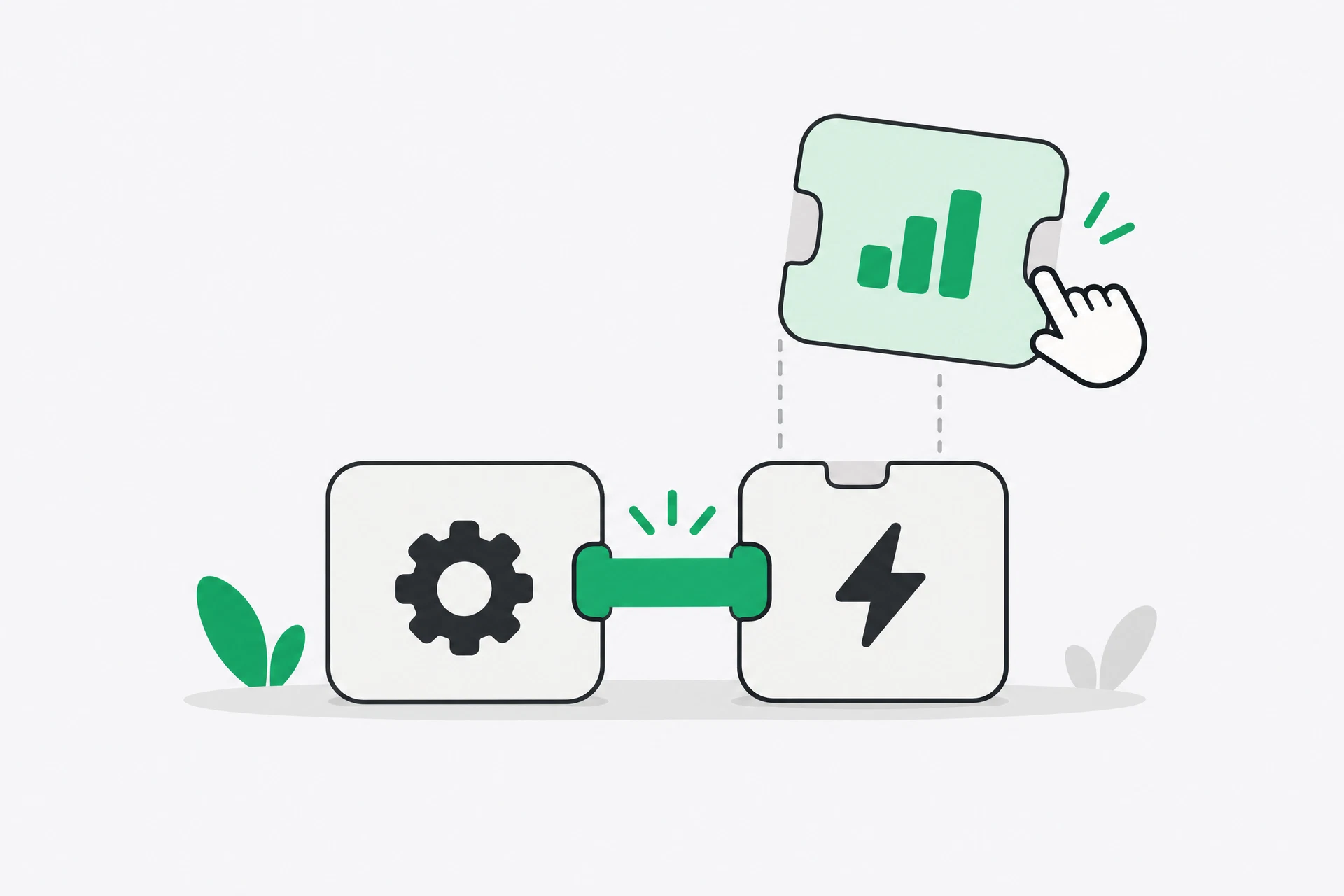
Start with the smallest possible loop, run it for a week, and only then add anything. A trigger, one useful action and one visible destination are enough. Extra steps make a demonstration look impressive while making a real workflow harder to inspect.
Your first build should not be clever. It should take a piece of information you already receive, use the prompt you already tested, and place the result somewhere you can check. If you cannot explain what each box receives and returns, you have built a superstition rather than a system.
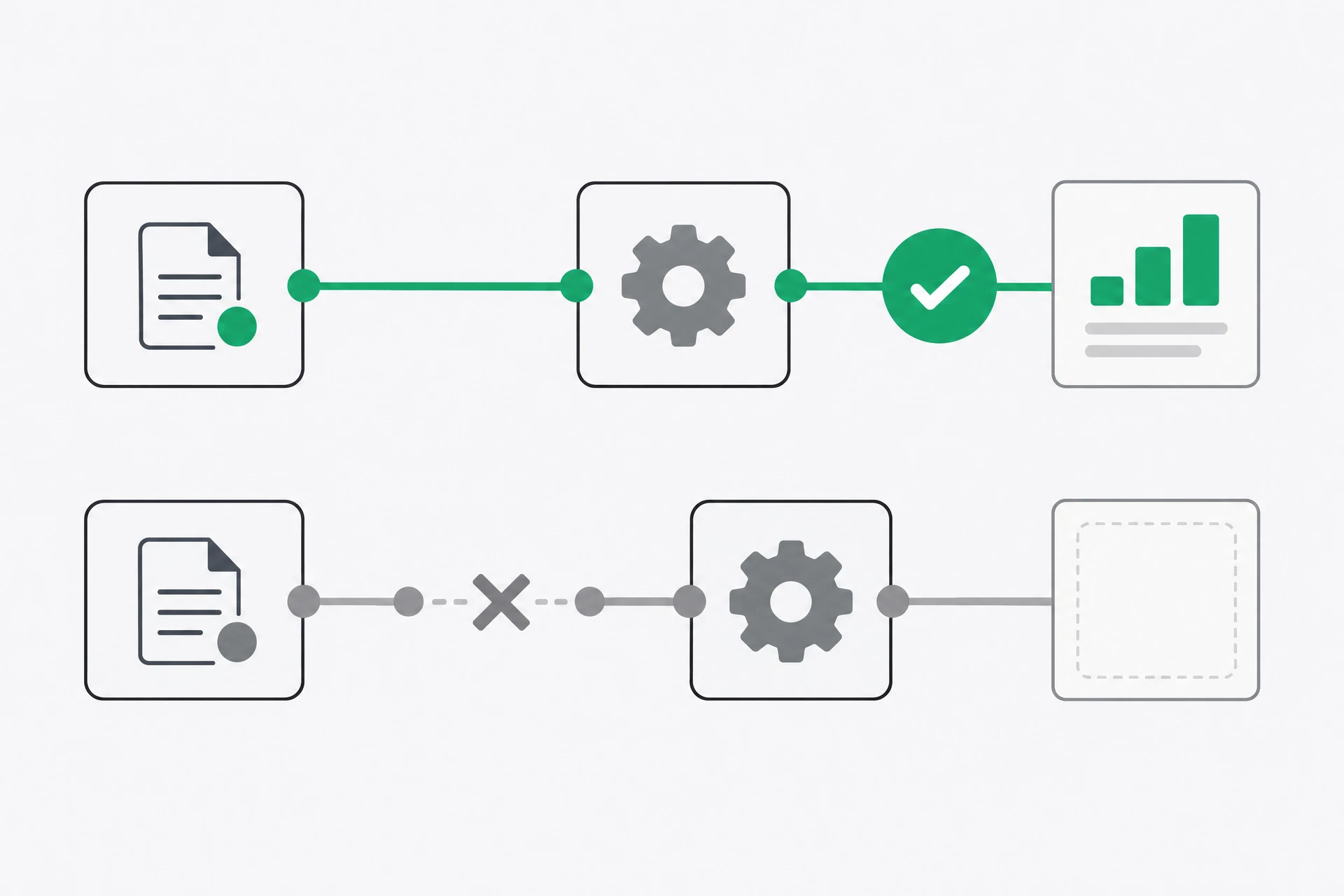
The other half of the idea is deliberate failure. An automation that succeeds once has demonstrated that a path exists. It has not demonstrated that the path is dependable. Dependability comes from trying an empty input, a huge input, a duplicate and an input in the wrong shape, then deciding what the workflow should do.
You are also testing the boundary between the connector and the AI assistant. The connector may deliver the wrong field, the assistant may produce a plausible but unsupported sentence, or the destination may hide a missing value. Keeping the first version visible lets you tell these failures apart. If you add five steps at once, every failure becomes a small detective story.
Why it matters
Automating a broken process just breaks it faster. If your form asks for information nobody supplies, the workflow will not repair the form. If your prompt produces a vague summary, the connector will faithfully deliver vague summaries at speed. The tool is not a substitute for a clear process.
There is also a difference between a loud failure and a silent one. A red error message gets attention. A neat row containing a wrong summary often does not. People trust the row because it looks finished, then make decisions on top of it. That is why a small review step is not an admission that automation failed. It is part of a safe design.
Keep this first automation separate from anything high-stakes. Do not start with payroll, medical information, legal commitments, or messages that go directly to customers. Start with a draft, a private list or a notification to yourself. You are learning where the connections are literal, where delays occur, and what the service records about your data.
The tools you will use
Build the loop one box at a time
- Return to the one-line design from Day 11. Do not improve it yet. Identify the trigger, the exact content that arrives, the action, and the place where the result will land. If your line says ‘process enquiries’, make it more literal before opening a connector.
- Create the destination first. A review list can be a table with columns for received time, original message, summary and status. The destination is deliberately boring: you want to see every run and compare the result with the source.
- Add the trigger and send one test event through it. Check that the connector received the field you expected. A workflow can appear connected while holding an empty field, especially when a form has several similar questions.
- Add the action using the prompt you tested on Day 4. Map only the input needed for the task. Tell the assistant not to invent missing details and to mark uncertainty. Then map its result into the destination’s summary field.
Summarise the text below in 3 bullet points.
Use only the information provided. If a detail is missing,
write “not stated” rather than guessing.

TEXT:
[the incoming message]
- Run it with ordinary real input and follow the result all the way to the destination. Then run it again with different real input. A second run catches hard-coded test values, duplicate field mappings and a destination that only worked by accident.
- Break it deliberately. Try an empty message, a huge message, another language and a photograph without useful text. Record whether the workflow stopped, alerted you or produced something that looked finished. Add one rule that makes the most dangerous case visible.
 AI-generated illustration
See it
Take the standard pattern: a form response is received, its text is summarised, and the summary is put into a review list. The first version has a trigger and two actions. It does not send a customer-facing message. That is important. You are testing movement and failure, not granting the workflow authority.
Suppose the first test produces a good row. The original message is present, the summary is short, and the status says ‘review’. That proves the path works. Now submit an empty form. If the system writes ‘The customer is asking about a service’ because the AI assistant filled in a plausible purpose, you have found a silent failure. The row is tidy and wrong. The fix is not a longer prompt alone. It is a rule that refuses an empty input and alerts you.
Now submit a very long message. The connector may truncate it, time out, use more operations, or pass it through successfully. You need to know which. That knowledge is more valuable than a screenshot of the successful first run, because real work arrives in the shapes it arrives in.
You can make the test even more ordinary by repeating an earlier message. Does the workflow create a second row, overwrite the first, or reject the duplicate? None of those behaviours is automatically correct. The right answer depends on your process. The important thing is that you choose it rather than discovering it when a customer submits the same request twice.
Build it, run it, then break it
Step 6 is the lesson. A silent failure is far more dangerous than a loud one, and you are about to see why.
- Choose an automation connector from Day 11 and create the destination first. It can be a private review table or spreadsheet. You need somewhere for results to land and a way to compare each result with the original input.
- Build the loop from Day 11. The standard pattern is below. Keep it to a trigger and two actions; do not add a notification, a branch and a dashboard yet.
Trigger:  a form is submitted / a new email matching X arrives
Action 1: send the content to AI using the prompt you already tested
Action 2: put the result in a specific row of a review sheet
- If summarising is part of your loop, use the template you built on Day 4. Do not write a fresh prompt inside the automation. Submit real input, watch it complete all the way to the destination, and fix the first break you find.
- Run it a second time with different real input, to prove the first run was not luck. Check the original text, the mapped fields, the AI result and the final row. Mark the row as checked rather than assuming it is checked.
- Now break it on purpose. Send an empty form, a huge message, something in another language, and a message that is only a photograph. Answer the three questions below for the worst case.
1. Did it fail loudly, or silently produce something wrong?
2. Would I have noticed?
3. What should it do instead — skip and alert me, or make a best attempt?
- Add one safety line based on your answer. Usually it is this: if the input is empty or unclear, skip it and send me a notification instead. Run the bad input once more and keep the working version, the failure note and the safety rule together.
What you should notice
Step 6 is the lesson. A silent failure is far more dangerous than a loud one: a wrong row in a spreadsheet will be trusted and built upon, while an error message gets fixed the same day. A green tick means only that the software completed its instructions. It does not mean the result was sensible.
Notice also the difference between ‘it works’ and ‘it works reliably’. Your first run proved the first and told you almost nothing about the second. Breaking it proved where the second begins. Automation is only as good as its behaviour on bad input, and over months bad input is the normal case, not the exception.
For the next week, keep a small log. Write the date, the input type, whether it completed and whether you had to correct the result. If the log contains repeated corrections, simplify or delete the automation. The purpose of a workflow is not to preserve itself. It is to remove a nuisance without creating a larger one.
That is also why you should keep the original input beside the machine-written output. Without the original, you cannot tell whether the summary omitted a crucial sentence or whether the input never arrived. With both, a correction becomes evidence you can use: change the form, change the prompt, change the rule or stop the loop.
Do not confuse a notification with a repair. An alert tells you that a person must look. It does not make the missing data appear or turn an invented sentence into a reliable one. For the first week, that is exactly the right arrangement: let the machine do the boring preparation, let it point out the cases it cannot handle, and let you decide what happens to those cases.
There is a quiet operational lesson here too. Services can be delayed, rate-limited or temporarily unavailable. A workflow that has no record of pending input may lose the trail when that happens. Keep the original event and the run history, and decide how long you will wait before checking manually. Reliability is partly prompt design and partly knowing what the surrounding service can and cannot promise. A dependable small system has a clear record, a visible stop and a person who knows what to do next. That is enough for a first week; you can improve it after you have observed real runs.
If you have five more minutes
Set the automation to alert you if it has not run in forty-eight hours. That is the check you designed at the end of Day 11, and it takes two minutes. A workflow that never runs can be as misleading as one that runs incorrectly.
Tomorrow
The rules about what should never be pasted anywhere.
Get the rest by email
One lesson each morning at 07:00 IST, with the task written out in full so you can do it from your inbox.
This is the course, not the newsletter. Joining does not subscribe you to the daily Brief.