Setting yourself up properly
Have one tool ready in ten seconds, with the right settings on and the right one chosen.
13 min readPlus one task, about 10 min
 AI-generated illustration
The one idea
You need one free account, one bookmark, one home-screen icon and two settings changed. That is the whole setup, and you do not need to pay for any of it.
The instinct is to compare tools for a week first. Resist it. Comparing teaches you about marketing pages; using teaches you about your own work, and it is the only thing that makes Day 3 useful.
So today is deliberately about plumbing. It is the least interesting lesson in the course and it removes the friction that stops most beginners somewhere around day four.
Why it matters
Friction, not difficulty, is what stops people. A tool that takes forty seconds to reach is a tool you stop reaching for, and the moment you stop reaching for it the course is over regardless of what you have learned.
There is a second reason, and it is about the settings rather than the account. Two of them genuinely matter. Whether your conversations are kept as history decides whether the tool can build up useful context about your work. Whether your conversations may be used to train the model decides whether what you type might end up somewhere you did not intend. Both are one switch, both are usually off by default in the direction that protects you least, and both take fifteen seconds to find now and are much harder to find on the day you are in a hurry.
 AI-generated illustration
The tools you will use
Setting up in five minutes
- Create a free account in exactly one tool. Not two. Using one badly for three days teaches you more than signing up for three and using none — and you will test a second one properly on Day 6, on your own work rather than on a comparison article.
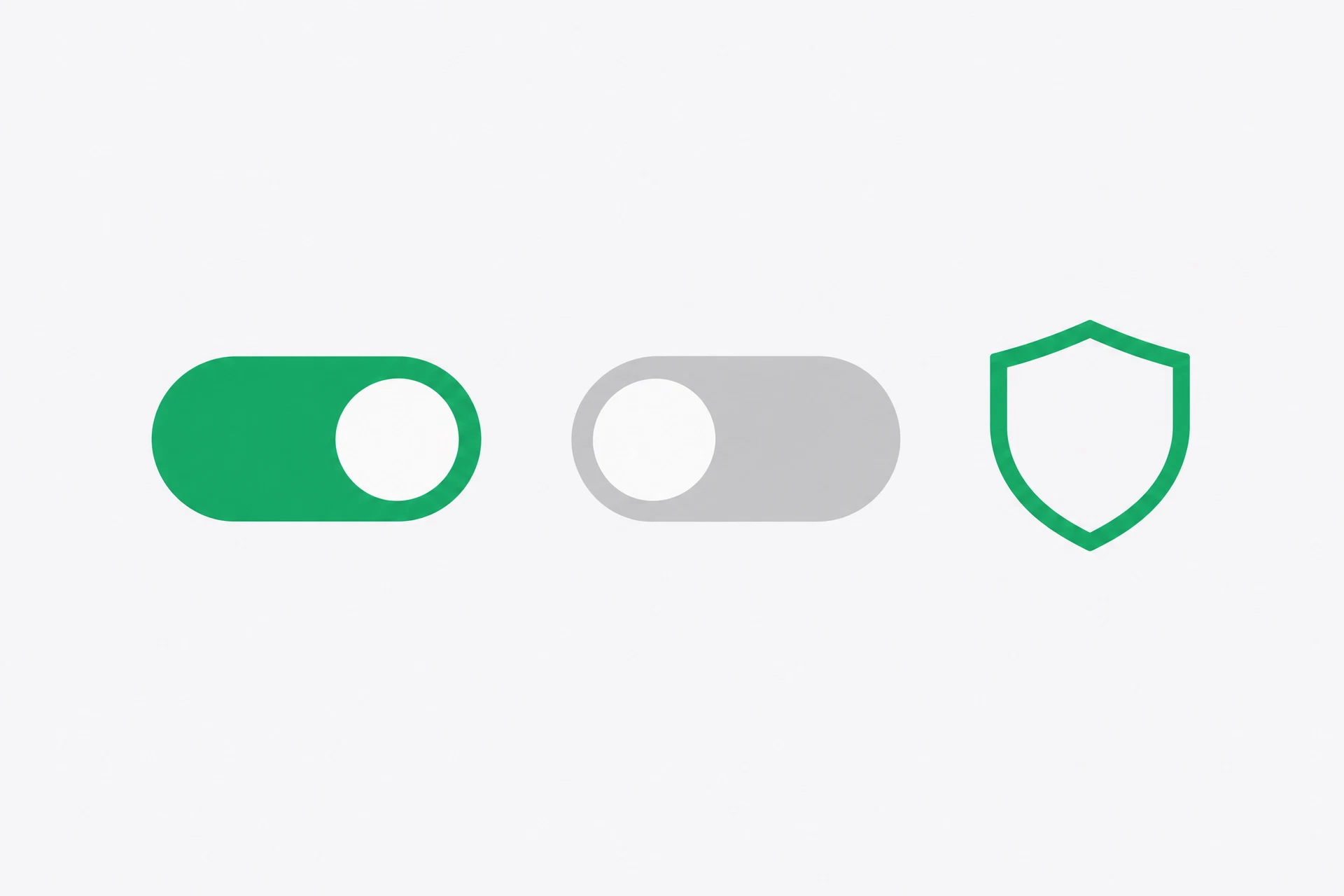
- Find the chat history or memory setting and turn it on. This is what lets the tool build up useful context about your job, your writing style and your recurring tasks instead of meeting you as a stranger every morning.
Setting 1 — remember my chats: ON
- Find the data or privacy setting that controls whether your conversations may be used to improve the model, and turn it off if the option exists. Not every tool offers it, and the wording varies — look for 'improve the model', 'training data' or 'data controls'.
Setting 2 — train on my data: OFF (if the option exists)
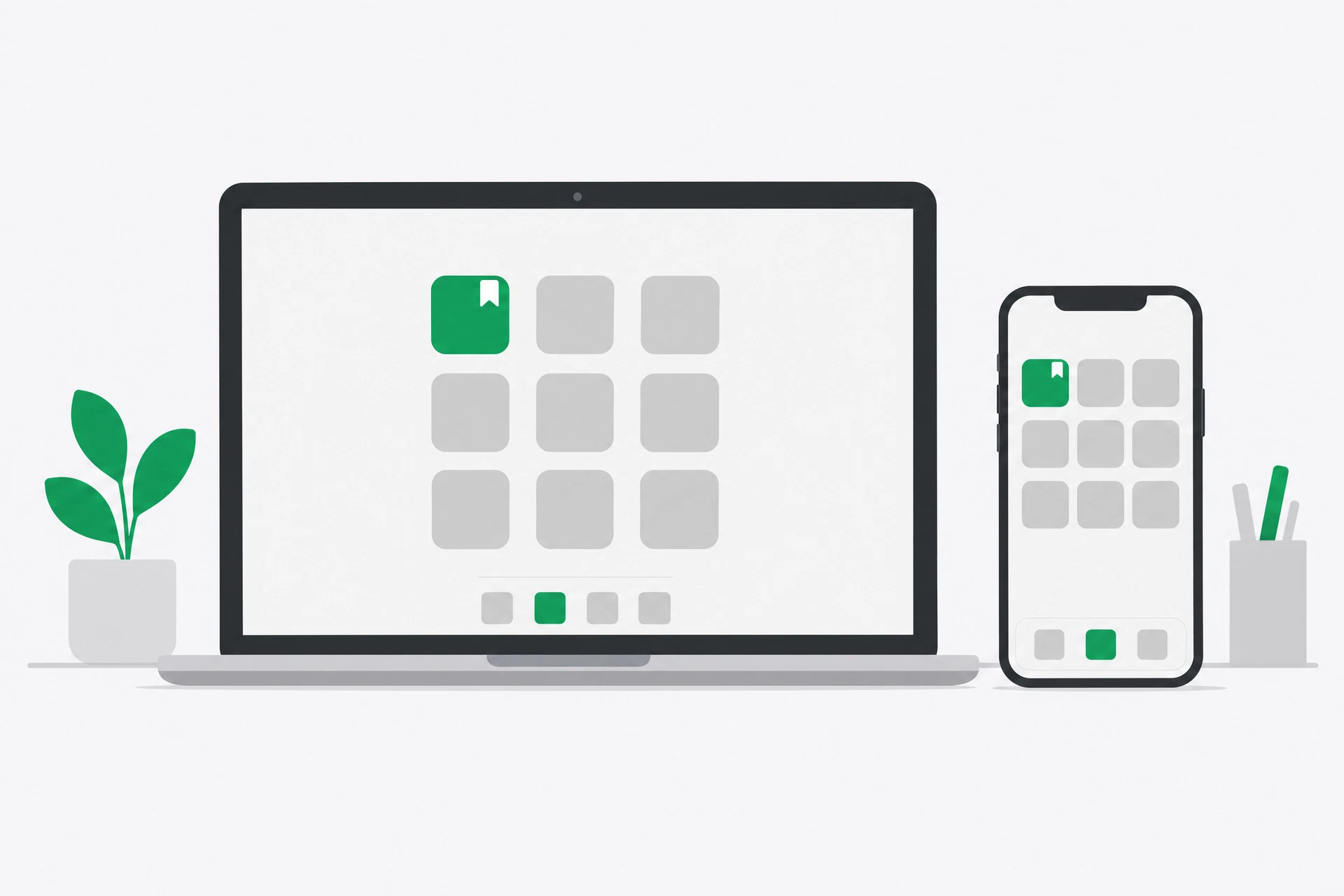
- Remove three points of friction. A bookmark in your browser, the mobile app installed, and an icon on your phone's home screen. Do all three even if you think you will only ever use the desktop version; the phone is where most people actually reach for it first.
- Send one real message — something you genuinely needed to write today. Not a test, not 'hello'. Then rename the thread, so you find out where the rename button is now rather than on a day you are in a hurry.
- Ask it this and keep the reply. It becomes the thing you compare against on Day 11.
I am a complete beginner with AI. Ask me three short questions, one at a time, about what I do day to day, then tell me the single most repetitive task you think I should hand to you first.
See it
The setup is not the interesting part, so here is what to watch for instead.
When you send that last message, the tool will ask you questions one at a time and then give you an answer. Read it carefully, because it is a mirror rather than advice. It is reflecting back what you told it, in the vocabulary of productivity. If your answer is vague — "I do admin" — its suggestion will be vague. If your answer is specific — "I write four client updates a week, each about twenty minutes" — its suggestion will be specific and occasionally useful.
That difference is the whole of Day 3 in miniature. The tool's output is a function of your input, and nothing else.
Build a setup you will actually use
The steps above are the task, and they are unglamorous on purpose. The thing you are really doing is buying back the thirty seconds of friction that decides whether this becomes a habit.
- Work through the six steps above in order. If you have already created an account, do the settings and the friction removal — those are the parts people skip and the parts that matter.
- Write down the free tier's ceiling. Find the message limit or the point where it slows you down, and note it somewhere. Knowing the limit now means you will recognise it later instead of concluding you have broken something.
Free tier limit: ______ messages per ______
- Save the starting brief the tool gave you. Name the note something like 'Day 2 — what it says I should automate'. You will come back to it on Day 11, and on Day 14 you will compare it against what you decided yourself.
- Tell one person you are doing this. A colleague, a friend, anyone. Fourteen days is long enough that a small amount of accountability is worth more than it sounds.
What you should notice
You now have a personal starting brief — the tool's own answer to what you should use it for. It is not authoritative, but it is concrete, and it is about your work rather than about productivity in general.
Notice how much of today was about the account rather than the intelligence. Almost every beginner problem in the first week is setup friction wearing a costume: the wrong tool for the job, a setting nobody mentioned, an icon that is not where the hand expects it.
And notice what the tool asked you. Three questions about your day, one at a time. It did not guess, because it could not — it has no idea what you do. Hold on to that too, because it is the counterweight to Day 1: the tool knows nothing about you and everything about language, which is exactly the shape of the work you should give it.
If you have five more minutes
Open the same tool on your phone and ask it the Day 1 questions again. Same model, different answers, and now you know why. It also tells you whether you trust the phone interface enough to actually use it, which is worth finding out today rather than on a day you need it.
Tomorrow
You ask for the first time in a way that gets you something usable.
Get the rest by email
One lesson each morning at 07:00 IST, with the task written out in full so you can do it from your inbox.
This is the course, not the newsletter. Joining does not subscribe you to the daily Brief.