Your first prompt that works
Get a usable answer on the first attempt instead of the fifth.
12 min readPlus one task, about 10 min
The one idea
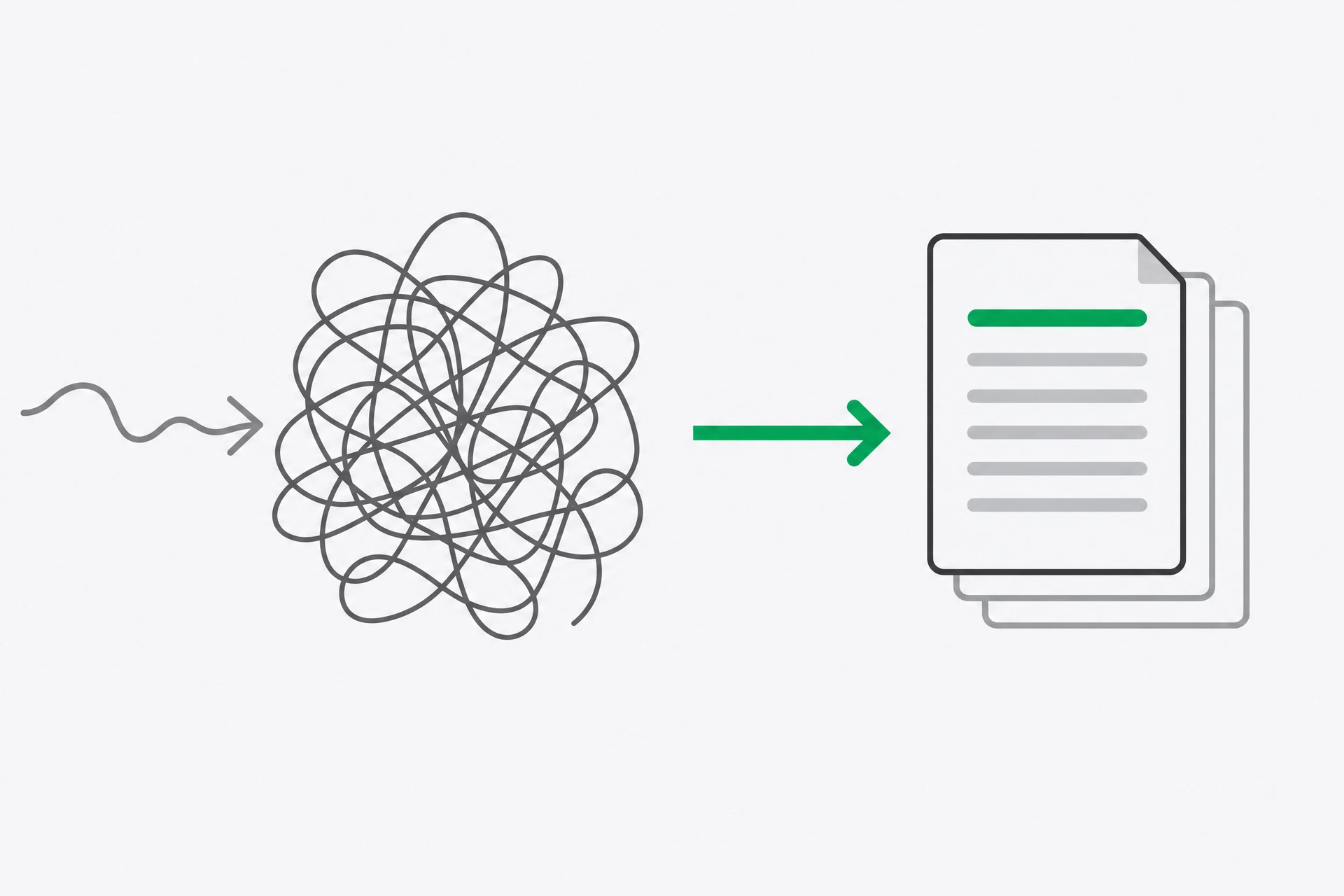
Vague in, vague out. An AI assistant can complete a great many instructions, but it cannot know which version you meant when you give it a loose request. It has to choose the audience, the tone, the length, the structure and the boundaries for itself. Those choices may be reasonable. They may also be useless for the job in front of you.
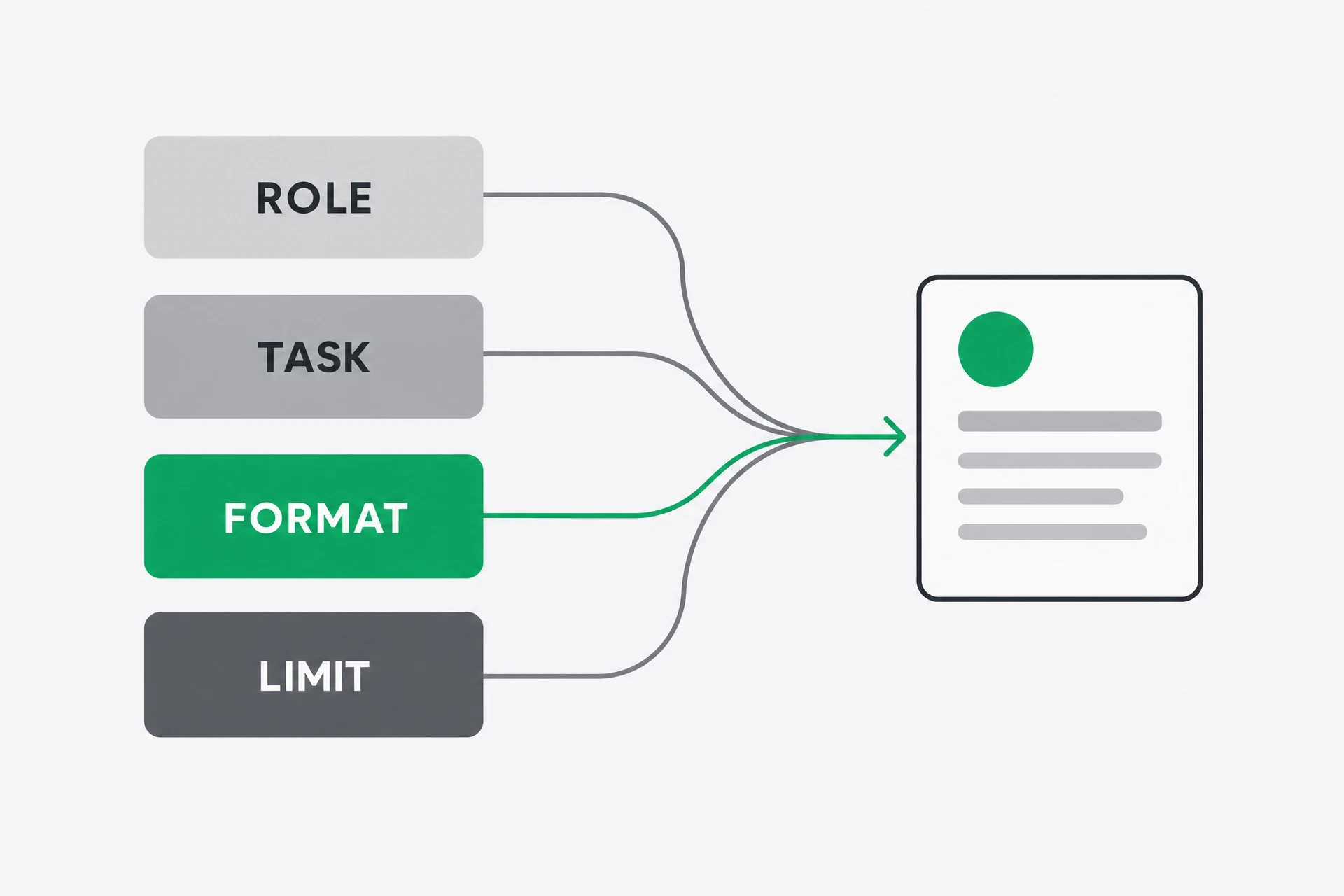
A reliable prompt removes those decisions. Give the assistant a role, a task, a format and one limit. The role sets the point of view. The task says what to make. The format tells you what the result should look like. The limit stops a common failure, such as a reply that is too long, too cheerful or full of claims you did not supply. You are not learning a magic incantation. You are writing a small specification.
Why it matters
The gap between asking for something and describing it is the whole skill, and it is learnable in one sitting. A person who says “write something about our new service” has left the assistant to invent the audience, purpose and shape. A person who says “write three email subject lines for existing customers, each under 45 characters, with no exclamation marks” has done the useful thinking first.
This matters because a poor first answer creates a misleading diagnosis. Beginners often say that the tool is inconsistent when the request was different each time. They add more adjectives, ask it to be “better”, and hope. A prompt with four concrete parts gives you a way to see what changed. If the answer is wrong, you can repair the task, format or limit instead of starting over in a fog.
The four parts also keep you in charge. The assistant supplies language and combinations you may not have considered. It does not decide what your customer should be told, what your business can promise or what is acceptable to publish. The more important the work, the more useful it is to state those boundaries yourself.
There is a useful order to the four parts when you are in a hurry. Start with the task because it tells you what the work is. Add the audience because a sentence for a customer is not a sentence for your manager. Add the format because it turns “good” into something you can inspect. Finish with the limit that protects against the most expensive mistake. You do not need to write a paragraph about every possibility. You need to close the few gaps that would change the answer.
Do not confuse detail with quality. A prompt that names twenty preferences can become harder to follow than a prompt with four strong instructions. If every sentence says “make it engaging”, “make it clear” or “make it professional”, the assistant still has no concrete test. Replace one adjective with an observable rule: use three bullets, define the unfamiliar term, or ask before assuming a deadline. Concrete instructions are easier for both of you to check.
How a vague request becomes a usable one
- Start with the outcome, not with a description of AI. Decide what you want to hold in your hand at the end: three subject lines, a reply to a customer, a short explanation, or a table. If you cannot name the output, the assistant cannot reliably make it.
- Add a role only when a point of view helps. “You are a customer-support manager” asks for a different tone from “you are a technical editor”. It is not a qualification and it does not make the answer true. It is a steering wheel for emphasis and language.
- State the task and its audience together. “Write about our delivery service” is incomplete. “Write an announcement for existing customers who already know our shop” tells the assistant what the reader knows and what the writing must do.
- Choose a format that can be checked. Three numbered options, a two-column table, a 100-word note or a subject line under 45 characters gives you a visible test. “Make it good” gives you a mood, not a test.
- Add one or two limits. Use limits that protect the job: use only the facts supplied, do not invent a price, avoid jargon, or ask a question when information is missing. Too many rules make the request hard to read and do not make the facts safer.
You are a [ROLE].
Write [EXACT TASK] for [SPECIFIC AUDIENCE].
Format it as [CHECKABLE FORMAT].
Constraint: [ONE IMPORTANT LIMIT].
- Run the prompt once, then change one part at a time. If you change the role, audience and format together, you cannot tell which change helped. Prompting is a small experiment: keep the input steady, alter one variable, and inspect the result.
 AI-generated illustration
See it
Here is the lazy version: “Write something about our new service.” It could produce a paragraph for a website, a social post, an internal memo or an email. It could mention a price, a launch date and a feature that do not exist. None of those choices are irrational from the words it received. They are simply choices you left open.
Now give it a job it can check: “You are a marketing manager for a small hardware shop. Write three email subject lines announcing a new same-day delivery service to existing local customers. Keep each under 45 characters. Use a practical tone. Do not use exclamation marks or invent a delivery price.” The second request is longer by a few lines, but every line removes a decision.
The outputs should now be short enough to compare. One might be “Same-day delivery is now available”. Another might be “Need it today? We can deliver”. You still judge whether the claims are true and whether the tone fits your customers. The prompt has not replaced judgement. It has made the judgement easier by making the output less random.
The useful detail is not that the prompt has a role. It is that the format and limits turn a paragraph of fluent writing into three things you can actually inspect. A role can change the voice. A format changes the object you receive.
Weak:  Write something about our new service.

Strong: You are a marketing manager for a small hardware shop.
        Write three email subject lines announcing a new
        same-day delivery service to existing local customers.
        Keep each under 45 characters. Use a practical tone.
        Do not use exclamation marks or invent a delivery price.
Find out which part of the prompt does the work
Almost everyone is told that a role makes prompts better. This task has you measure it, and most people find that format and limits matter more.
- Pick one real thing you need to write this week. A customer reply, a post, a short proposal or a meeting summary will work. Do not choose a made-up example. You want to care whether the result is usable.
- Write the lazy version first, on purpose. Keep it to about ten words, with no detail. Send it in a fresh chat or below a clear divider, and save the reply so you can compare it fairly.
Write something about [your actual topic].
- Rewrite the request with all four parts. Use the skeleton from the walkthrough. Put in a real audience, a checkable format and one limit that matters to your work. Send it and save the result.
You are a [role].
Write [exact task] for [specific audience].
Format it as [format — for example, three bullet points or under 100 words].
Constraint: [one thing to avoid or require].
- Compare the two replies and write one line: which was usable, and why? Mention one visible difference, such as length, structure, audience or an invented detail. One line is enough; this is a measurement, not an essay.
- Return to the strong version and change only the constraint. Send it. Then restore that constraint and change only the format. Finally restore it again and change only the role. Keep the other words fixed each time.
- Note which single change moved the output most, and save the winning prompt in a note. That is the lever for your kind of work. You will turn it into a reusable template tomorrow.
What you should notice
Most people find that format changes the output more than role does. A role sets tone and point of view. Format changes what you can actually lift out of the chat and use. A table can be scanned. Three options can be compared. A 100-word limit can be checked without an argument about what “concise” means.
You have also picked up the real method, which is not to write one perfect prompt. It is to change one thing at a time and watch. Prompting is iterative, not architectural. You make a request, look at the failure, and add the smallest instruction that prevents that failure next time.
There is a boundary worth keeping clear. A detailed prompt does not make invented facts true. “Do not invent a price” may reduce the chance of a price appearing, but it cannot tell the assistant what the real price is. Supply important facts yourself, and check the result before it leaves your hands. Precision controls shape; it does not create knowledge.
 AI-generated illustration
If you have five more minutes
Run the strong prompt one more time with deliberately incomplete information. Add the line “If anything important is missing, ask me before writing.” See whether it asks a useful question or guesses anyway. Save the version that behaves better.
Tomorrow
Turn today's prompt into a tool you keep.
Get the rest by email
One lesson each morning at 07:00 IST, with the task written out in full so you can do it from your inbox.
This is the course, not the newsletter. Joining does not subscribe you to the daily Brief.