Turning a job you actually have into a prompt
Have one saved prompt that reliably does a weekly job for you.
13 min readPlus one task, about 10 min
 AI-generated illustration
The one idea
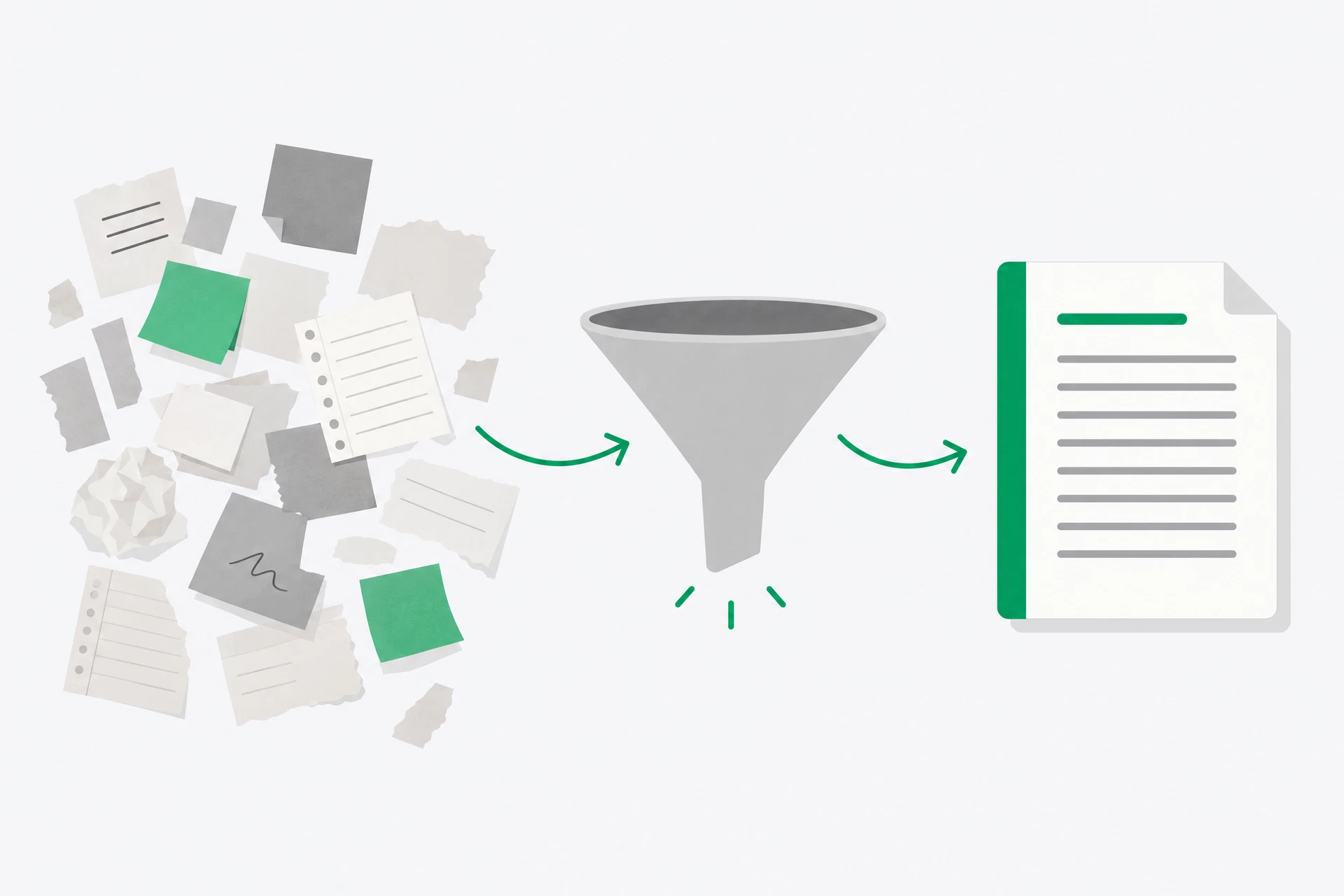
Save your good prompts. A prompt you reuse is a tool. A prompt you type once is a conversation. The difference is not the number of words. It is the fact that a reusable prompt separates the parts that stay the same from the parts that change.
The fixed part contains the job: the role, the instruction, the output shape and the rules. The changing part is the input: this week's customer message, notes from this meeting or the raw list you need cleaned up. Mark the changing part clearly. If you have to rebuild the request from memory, you have not made a template yet.
A useful template is not perfect on its first run. It is a small piece of working equipment. You run it on three real inputs, notice where it fails, and make a small repair. The third version is usually more useful than the first because the work, not an imagined example, has shown you what the instruction needed to say.
Why it matters
Most people retype the same instructions every week, get slightly different results every time, and conclude that the tool is inconsistent. It is not. They are. A saved structure makes your own method visible, so you can improve it instead of starting from a blank chat.
This is where prompt skill compounds. The first template might say “summarise these notes”. After a real run you may add “separate decisions from open questions” because you noticed the assistant blended them. On the next run you may add “do not assign an owner unless one is named” because it guessed. Those small repairs stay in the prompt.
There is also a practical limit. Do not automate a job merely because a template can describe it. Choose something you already do often and understand well enough to judge. AI can produce a polished wrong answer very quickly. Your existing knowledge is the quality check that makes a reusable prompt useful rather than merely efficient.
The best template is usually narrower than the job name. “Prepare our weekly report” contains several jobs: collect figures, decide what changed, write the explanation and choose what to show first. Start with one hand-off, such as turning approved notes into a customer update. Narrowing the job makes failures visible and keeps the template short enough that you will actually use it.
Keep the input separate from the instruction. A blank line and a heading are not decoration. They tell you where one week's material ends and the fixed rules begin. They also make it harder to paste a customer message over the rule that says not to invent a refund or deadline. Treat the template as a form with a safe place for the changing material, not as a blob of prose you hope the assistant understands.
Finally, decide what “reliably” means before you admire the result. It might mean the headings appear every time, no names are invented, or the output needs less than five minutes of editing. A template cannot remove every judgement call. It can make the judgement call repeatable and make a failure easy to point at.
Build a template from a real weekly job
- Find a repeating job with a clear input and a clear output. Turning rough meeting notes into an action list is a good example. “Help with my work” is not a job; there is no useful boundary around it.
- Write down the current process before asking the assistant to improve it. Use three or four plain steps. Include the annoying detail you normally keep in your head, because that detail is often the difference between a usable result and a generic one.
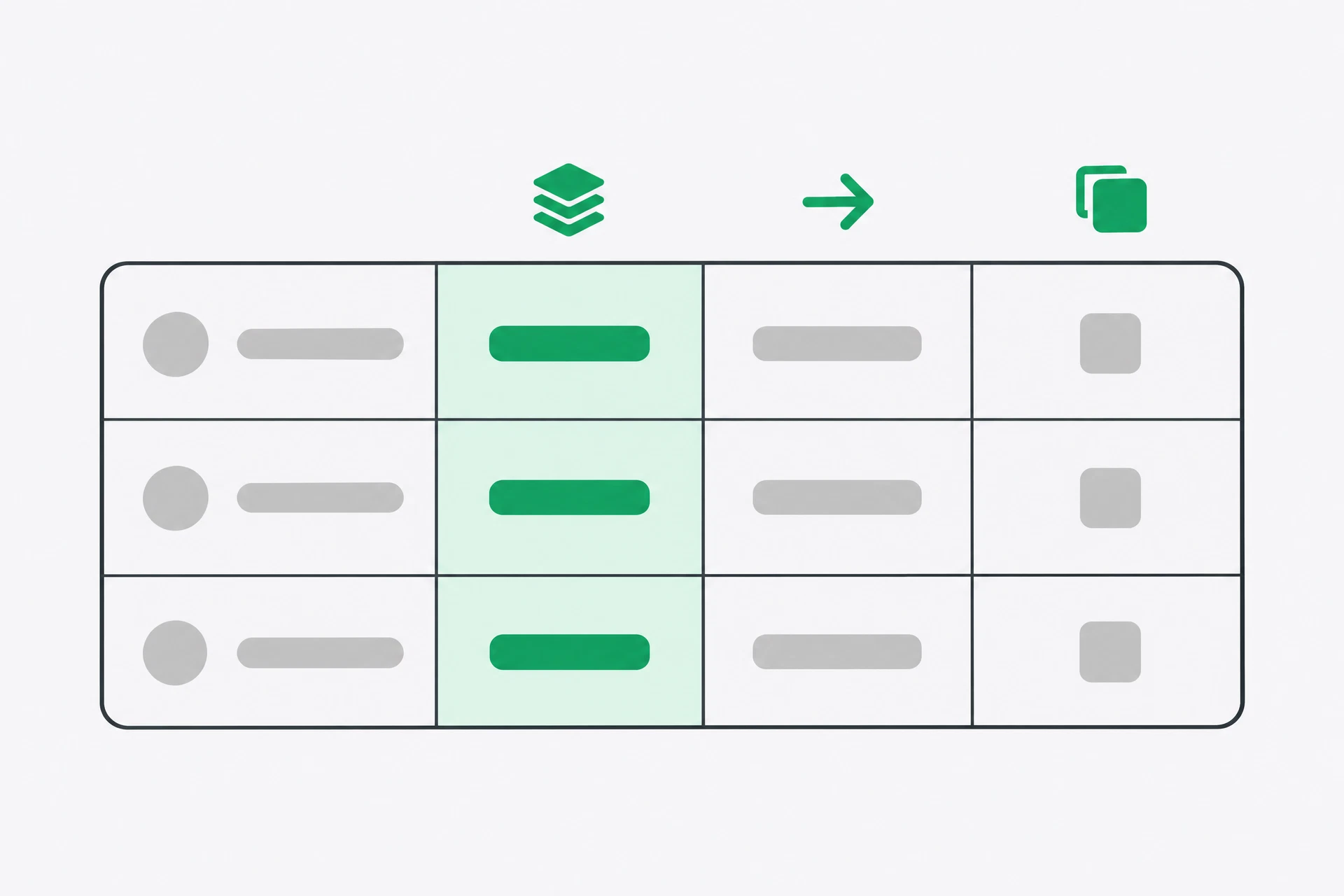
- Mark what stays fixed. The audience, tone, output headings and rules belong in the template. Mark what changes with square brackets or a label. There should be one obvious place where you paste the new material.
- Give the template a failure rule. Tell it to use only the supplied input, flag missing information and avoid inventing names, dates, prices or owners. A failure rule does not guarantee honesty; it tells the assistant what to do when the input is thin.
You are [ROLE — fixed].
I will paste [INPUT TYPE].
Do [TASK — fixed].
Format as [FORMAT — fixed].
Rules: [2–3 rules — fixed]. Never [one thing to avoid].
If information is missing, [ask / mark it as missing].

Here is the input:
[PASTE CHANGING INPUT HERE]
- Run the same template three times with three different real inputs. Do not improve the prompt between runs one and two unless the output is unusable; you need to see which problem repeats and which was a one-off.
- Repair only what the runs revealed. If the result is too long, set a length or a number of items. If it invents details, say “use only what I gave you” and require a missing-information label. If the structure is wrong, name the headings. Then save the final version where you will find it.
 AI-generated illustration
See it
Suppose you write a weekly customer update. Your current version is a collection of notes: what shipped, what is delayed, what customers need to do and what you still need to decide. “Turn this into an update” is too open. It does not say whether the reader is a customer or a colleague, and it gives no place for uncertainty.
A better template fixes the audience and the headings: “You are a calm customer-support editor. Turn the notes below into a customer update. Use the headings What changed, What you need to do and What happens next. Keep it under 180 words. Use only the notes. If a date is missing, write [date not supplied] rather than guessing. Do not promise a fix that the notes do not promise.” Then you paste this week's notes at the bottom.
On the first run, you might discover that the assistant puts delays under “What changed” and hides them in a long paragraph. Add “Put every delay in a separate bullet under What changed.” On the second run, you might notice that an unnamed person is presented as the owner of a task. Add “Do not assign an owner unless the notes name one.” Those are good repairs because they respond to real failures.
The template is now more than a prompt. It is a record of your editorial judgement. Someone else could run it and understand the job. You could return to it in six months and still know what it was meant to do. That is the standard: not cleverness, but repeatability.
Build a template you will still be using in six months
A template is where your skill accumulates, so this task aims at one you will genuinely keep rather than a demonstration you abandon tomorrow.
- List five things you do every week without fail. Include small jobs such as tidying notes, replying to a common question or preparing a status update. Pick the one you like least and that has a recognisable input and output.
- Write down how you do it now, in your own words, in three or four steps. Do not tidy the description. The mess is useful because it shows which decisions you normally make without writing them down.
- Turn those steps into a template, using your Day 3 winner as the starting point. Use fixed labels for the role, task, format and rules. Put the changing material under a clearly marked input heading.
You are [ROLE — fixed].
I will paste [INPUT TYPE — e.g. raw notes / a customer message].
Do [TASK — fixed].
Format as [FORMAT — fixed].
Rules: [2–3 CONSTRAINTS — fixed]. Never [one thing to always avoid].
If something is unclear, [ask me / mark it as unclear].

Here is the input:
[PASTE]
- Run it three times with three different real inputs. Keep the template unchanged for the first two runs if you can. Save the outputs beside it, including any wrong assumption or missing section.
- Fix the template based on what went wrong. Too long, say shorter. Invented details, add “use only what I gave you”. Missing headings, name them. Small edits are better than a complete rewrite because you will know what the edit changed.
- Save the final version where you will find it, with a one-line description of what it is for. Time yourself: how long would this have taken by hand? Write that number down. It is the honest measure of whether this is worth keeping.
What you should notice
The third run is noticeably better than the first, even though the template is almost identical. You got better at filling it in and at spotting what the output needed. That is not the assistant learning your job in some mysterious way. It is you making the specification clearer.
The useful distinction is fixed versus changing. If you paste fresh material into a template whose headings and limits are stable, you can compare results across weeks. If you rewrite the whole prompt each time, you cannot tell whether a change in the answer came from your instructions or from the input.
A reusable prompt is therefore a small operating procedure. It carries your decisions forward. It can still be wrong, and it still needs a human check, but the check is now focused: are these facts in the input, did the format hold, and did the assistant follow the rules? You have moved from asking for help to designing a repeatable hand-off.
If you have five more minutes
Add one line — “If anything is unclear, ask me before writing” — then run the template with deliberately thin input. If it asks a useful question, keep the line. If it confidently fills the gaps, add a stronger rule that names the kind of information it must not invent.
Tomorrow
A tool that searches before it answers, and how to check what it found.
Get the rest by email
One lesson each morning at 07:00 IST, with the task written out in full so you can do it from your inbox.
This is the course, not the newsletter. Joining does not subscribe you to the daily Brief.