Connecting things without code
Triggers, actions and one approval. This is the whole vocabulary, and it is enough to automate real work.
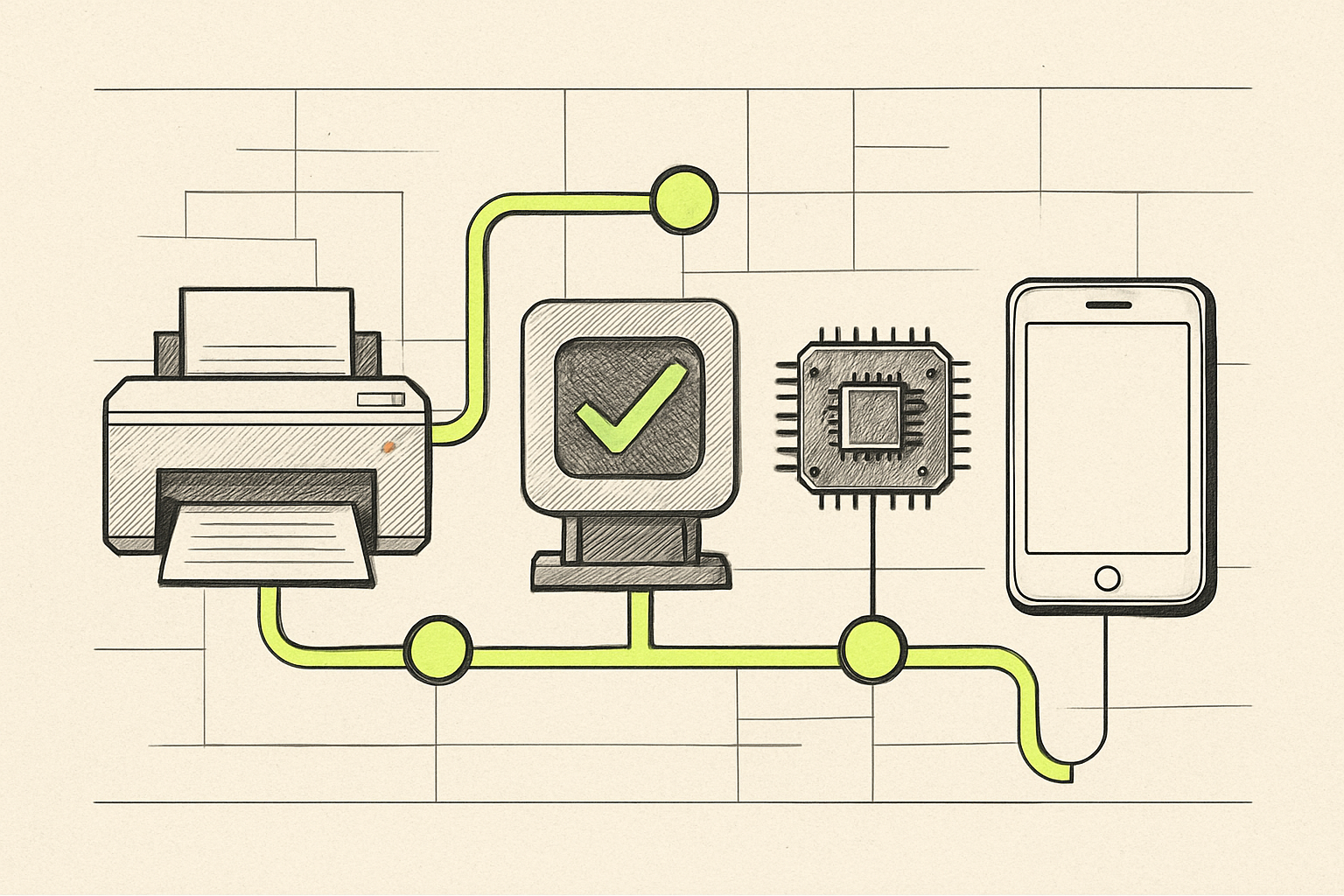
AI generated for this lesson — machine-made illustration.
What you'll be able to do afterwards: Build a working automation from a trigger to an action, with an approval step in the middle.
In lesson 6 you mapped a workflow. Now you make it run without someone remembering to start it.
You do not need to write code for this. You need three ideas.
The three ideas
Trigger. The thing that starts it. "A form was submitted." "An email arrived in this folder." "It is 7am on a weekday." "A row was added to this spreadsheet."
Action. What happens next. "Send this text." "Add a row." "Create a document." "Ask the model to draft a reply using these fields."
Approval. A pause that waits for a person. This is the one people skip, and the one that makes the difference between a useful tool and an incident.
Everything you will build is a chain: trigger, then three or four actions, then an approval, then a final action.
What these tools actually are
Products in this category — Zapier, Make, n8n and others — all do the same fundamental job. They hold a connection to each of your apps, listen for triggers, and carry out actions through those connections.
So when you connect your email and your spreadsheet to one of these tools, you are granting it permission to read and write on your behalf. That is worth a moment's thought, and lesson 8 covers what that means in practice.
Choosing between them, briefly
- Zapier — the easiest to start with, the widest range of apps, the most expensive at volume. Good for your first automation and for anything business-critical where you want it to just work.
- Make — more visual, cheaper for heavy use, slightly steeper learning curve. Good if you can see yourself building five or ten of these.
- n8n — self-hosted, cheapest at real volume, and the one that requires someone comfortable with a server. Good later, not first.
Start with the easiest. You are learning the shape of automation, not optimising cost. Migrating later is a real and normal thing to do.
A worked example: enquiry to drafted reply
The workflow from lesson 6, made real.
Trigger: a form submission on your website.
Action 1 — extract. Pass the submitted text to the model with a structured request:
Extract these fields from the enquiry below and return them as a table: company name, contact name, what they are asking for, any deadline mentioned, any budget mentioned, and whether they sound like an existing customer. If a field is not present, write "not stated". Do not infer or guess anything that is not in the text. [the enquiry]
That last instruction matters more than it looks. Without it, you get confident invented detail, which is exactly the failure from lesson 5 arriving in a structured format where it is harder to spot.
Action 2 — draft. A second call, given the extracted fields and two examples of replies that worked:
Write a short acknowledgement to this enquiry. Match the tone of the examples. Ask at most two clarifying questions. Do not describe our services, do not quote prices, and do not promise timing.
Action 3 — record. Write the extracted fields into your tracker with the draft attached.
Approval. Send the draft to a person with approve and edit buttons. Nothing leaves the building until someone presses one.
Action 4 — send. On approval, send the reply and mark the tracker row as answered.
Fifteen enquiries a week, four minutes saved on each, and a person still reads every one before it goes out.
Five things that will go wrong
It runs twice. Retries and duplicate triggers are normal. Build in a check on a unique field — an email address, a submission id.
The model returns something unexpected. Ask for structured output and validate it. If the field you need is missing, fail loudly rather than writing a blank into your tracker.
It quietly stops. The most dangerous failure, because nothing tells you. Add a check that alerts you when the workflow has not run in longer than expected.
Costs drift. Automated calls are billed per use. Set a monthly ceiling in the tool before you turn it on, not after.
It becomes unmaintainable because only one person understands it. Write two sentences at the top of the workflow: what it does, and who to ask. Future-you will not remember.
The order to build in
- Run it manually end to end, with you doing every step by hand. Confirm the output is actually good.
- Automate the extraction only. Keep everything else manual for a week.
- Add the drafting step.
- Add the approval and the sending last.
Building in that order means that when something is wrong, you know which step did it. Building it all at once means debugging a machine you have never seen working.
Next: lesson 8, what is safe to put into these systems and what is not.
0 comments
No comments yet. If you have run any of this, that is the most useful thing you could add.