Turning one task into a workflow
The step that separates playing with AI from getting value from it. Pick one task, map it, and be explicit about what a person still does.
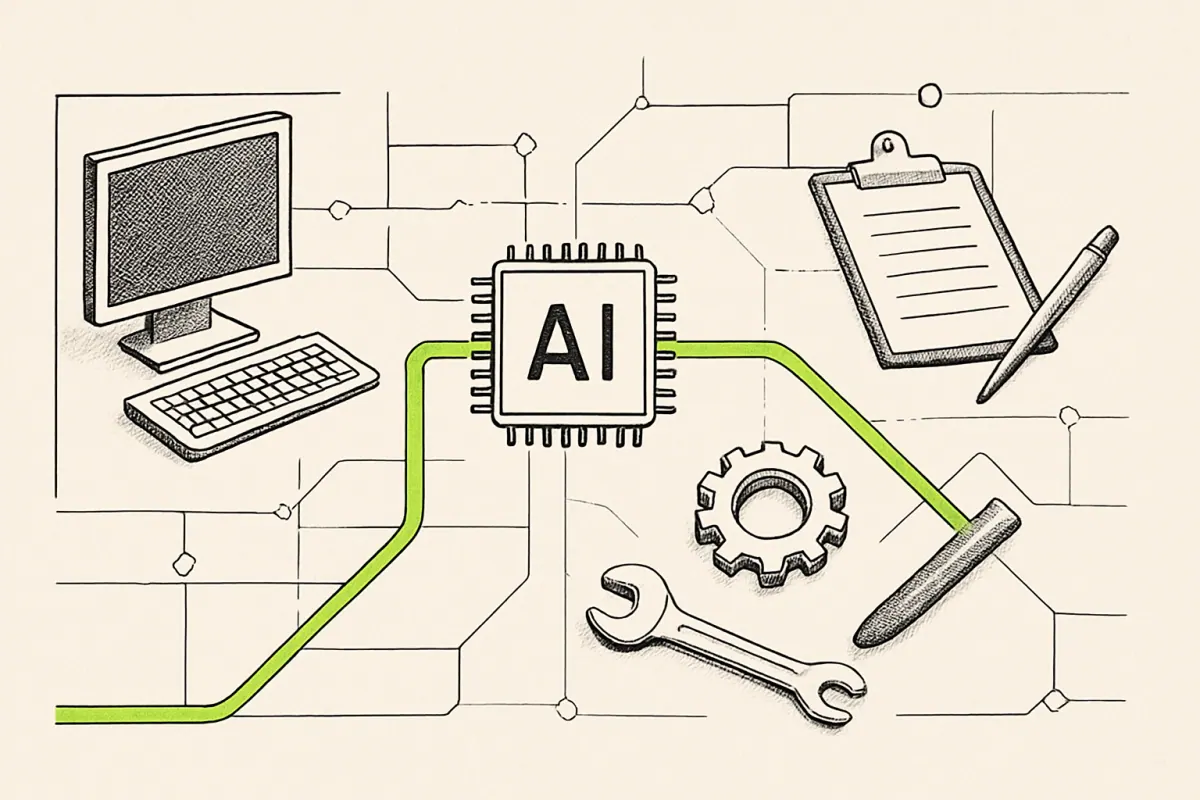
AI generated for this lesson — machine-made illustration.
What you'll be able to do afterwards: Take a single repetitive task and turn it into a defined workflow with a review gate.
Using AI is a series of one-off conversations. A workflow is a defined path that runs the same way every time, produces a predictable output, and has a named point where a person checks it.
Only the second one compounds. This lesson turns one task into one workflow, which is the smallest useful unit of progress.
Step 1: Pick one task, and pick it carefully
Bad first choices: the most important task you do, anything customer-facing with money attached, and anything you cannot currently describe in steps.
Good first choices have four properties:
- Repetitive. Weekly or more often.
- Bounded. The input arrives in a recognisable form — a form submission, an email, a document, a file.
- Checkable. You can tell at a glance whether the output is right.
- Low consequence. If it fails, nothing burns.
Something like: new enquiry arrives, and someone writes an acknowledgement plus a summary for the team.
Step 2: Write the steps as they happen today
Literally. Include the boring parts, because the boring parts are the point.
- Enquiry lands in the shared inbox.
- Someone reads it and works out: who it is, what they want, is it real, is it urgent.
- Someone writes a reply acknowledging it and asking two clarifying questions.
- The details get retyped into the tracker.
- A note goes to whoever owns that kind of work.
Six minutes, and it happens fifteen times a week.
Step 3: Mark every step as machine, person, or both
Be honest about which is which, and resist marking everything "machine". The judgement steps are usually the ones worth keeping human, and the retyping is usually the one worth automating.
- Machine: reading the enquiry and extracting the fields (who, what, when, how urgent).
- Machine: drafting the acknowledgement with the clarifying questions.
- Person: deciding whether the enquiry is genuine and whether it is worth pursuing. This is judgement, and it stays human.
- Machine: writing the extracted details into the tracker.
- Person: pressing send, once the draft has been read.
Four minutes saved per enquiry, with the decision and the send still belonging to a person.
Step 4: Define the review gate explicitly
This is the step people skip, and skipping it is how automation goes wrong.
Write down, in one sentence: what exactly does a person look at, and what makes them stop it?
The team member reads the extracted fields and the draft reply. They check that the company name is right and that the draft has not invented any detail about our services. If the enquiry mentions a budget or a deadline, they handle it personally rather than sending the draft.
That is deployable. Notice it is specific about what to check — company name, invented detail — and specific about the exception that bypasses the workflow entirely. Vague instructions like "check it looks right" produce people skimming, which is worse than no gate because it feels like one.
Step 5: Run it alongside the old way for two weeks
Do both. Keep the manual process while the workflow runs in parallel. You are checking three things:
- Does the output match what a person would produce?
- How often does it need correcting, and in what way?
- Is the review time actually less than the work it replaced?
That third question is where enthusiasm meets arithmetic. Occasionally the answer is no, and finding that out in two weeks for one task is a very cheap lesson.
Step 6: Write down the failure mode
Before you rely on it, answer: what happens the day it breaks?
- It produces nothing and the enquiry sits unanswered.
- It produces something wrong and nobody notices.
- It runs twice and duplicates an entry.
Then decide what catches each one. Usually: an alert when nothing has run, a spot check once a week, a de-duplication rule. Three lines of thinking, and it is the difference between something you can depend on and something you hope works.
The rule to carry forward
Automate the doing. Keep the deciding and the signing.
Every workflow that holds up over time respects that line. Every workflow that eventually embarrasses someone crossed it, usually because crossing it was easier and nobody wrote down that they had.
Next: lesson 7, how to connect the steps so the whole thing runs without you.
0 comments
No comments yet. If you have run any of this, that is the most useful thing you could add.