Your data, and what not to feed it
The practical version. What is genuinely risky, what is overblown, and a plain rule your team can actually remember.
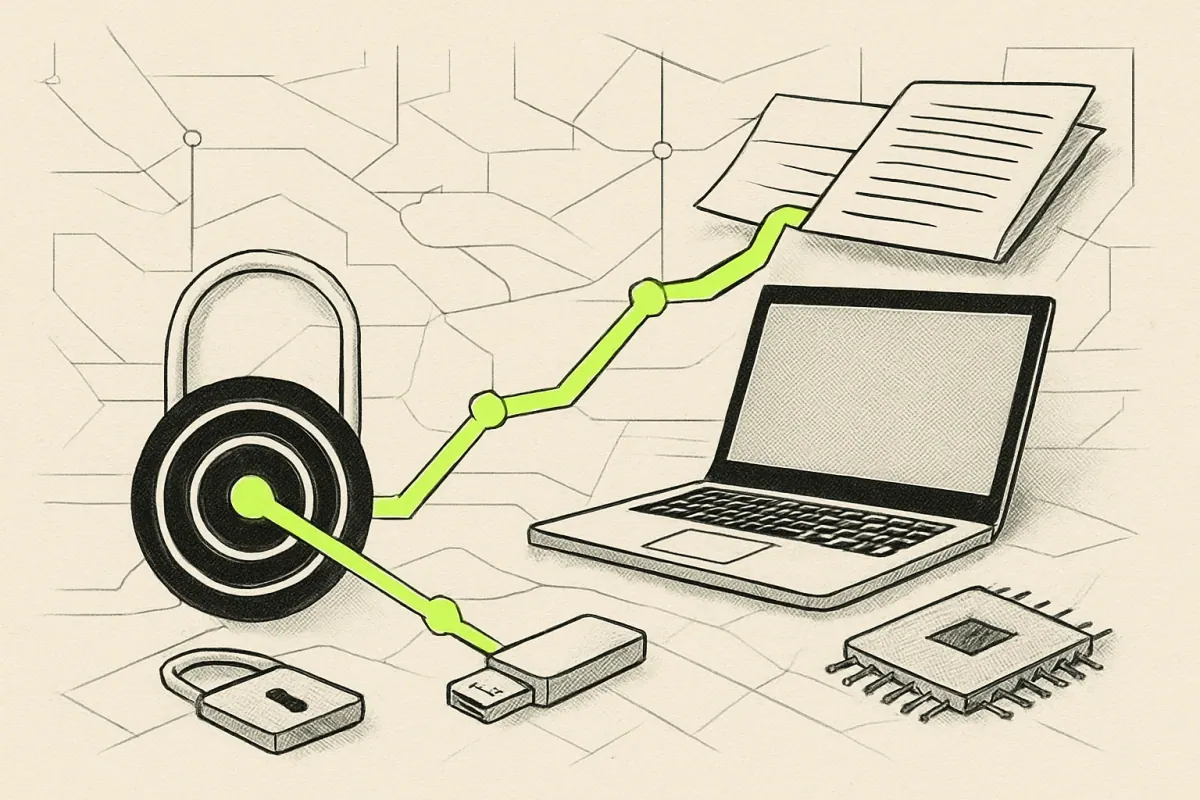
AI generated for this lesson — machine-made illustration.
What you'll be able to do afterwards: Write a simple rule for your team about what may and may not go into an AI tool.
This is the lesson people either ignore completely or get anxious about unnecessarily. Both are worse than a calm, specific rule.
What actually happens to what you type
Two things are worth separating.
Whether it is used for training. Consumer tools have often reserved the right to train on submitted content; business and API offerings usually do not. This is a settings question and a contract question, and the answer differs per product. Find out for the tools you actually use, because guessing in either direction is unhelpful.
Whether it is stored at all. Most services retain conversations for some period, for abuse monitoring, and for a period after you delete them. Again, this varies, and it is usually written down plainly.
Neither of these is the same as "it is published on the internet". That is the fear that stops people using useful tools, and it is not how these services work.
The categories that are genuinely risky
Sort by consequence rather than by category name.
- Other people's personal information. Names, addresses, health details, salary, anything identifying, especially for people who have not agreed to anything. If you would not email it to a stranger, do not paste it.
- Credentials. Passwords, API keys, card numbers, bank details. Never, in any tool, for any reason. If a tool asks for a password to "help", stop and reconsider the tool.
- Material under a confidentiality agreement. Client documents, contracts under negotiation, anything you promised to keep private. Your obligation does not change because the destination is a chatbot.
- Anything legally privileged. Legal advice, dispute material, HR investigations.
- Unpublished financials and strategy. Filings, valuations, plans, pricing models that are not public.
Note the pattern: it is not about the technology, it is about the promise you made. The tool did not create the obligation, and it does not dissolve it.
What is usually fine
Non-confidential working material. Public information. Your own drafts. Generic business writing. Industry knowledge. Summarising a public report. Anything already published.
The anxious version of this lesson stops people doing the valuable, low-risk work — and a rule that forbids everything gets quietly ignored, which leaves you worse off than a narrow rule that is followed.
The rule to give your team
One sentence, because a policy nobody remembers is not a policy:
If you would not email it to an outside contractor, do not paste it into an AI tool.
That works because it maps onto a judgement people already make every day. It is specific enough to act on and general enough to cover cases you have not thought of.
Three practical habits
Turn off training where the option exists. In most business tools it is a setting. Set it once, and it stops being a question.
Use the business tier for business work. Consumer plans often have different data terms from business or API plans. The price difference buys a contractual position, not just features.
Keep sensitive work out of shared accounts. An unattributed draft in a shared workspace is a small but real exposure. Where it matters, use a personal session.
If something goes wrong
It will, once, in almost every organisation. Make the response boring:
- Say so early. The cost of a leak compounds with the delay in reporting it.
- Work out what actually left. Often less than feared, occasionally more.
- Tell anyone affected, if anyone was.
- Change the specific thing that allowed it — usually a missing habit, rarely a bad tool.
An organisation where people admit this quickly is far safer than one where the first instinct is to hope nobody noticed.
Do this now
Write your one-line rule somewhere people will see it. Then check one setting: whether the assistant your team uses most is training on your submissions. Two minutes, and it is most of the work.
Next: lesson 9, how to tell whether any of this is actually working.
0 comments
No comments yet. If you have run any of this, that is the most useful thing you could add.