Keep Amazon Quick queries off the public internet with PrivateLink
If you already have Direct Connect or a Site-to-Site VPN, you can route Amazon Quick’s access to on‑premises data through VPC endpoints so traffic stays inside your controlled network.
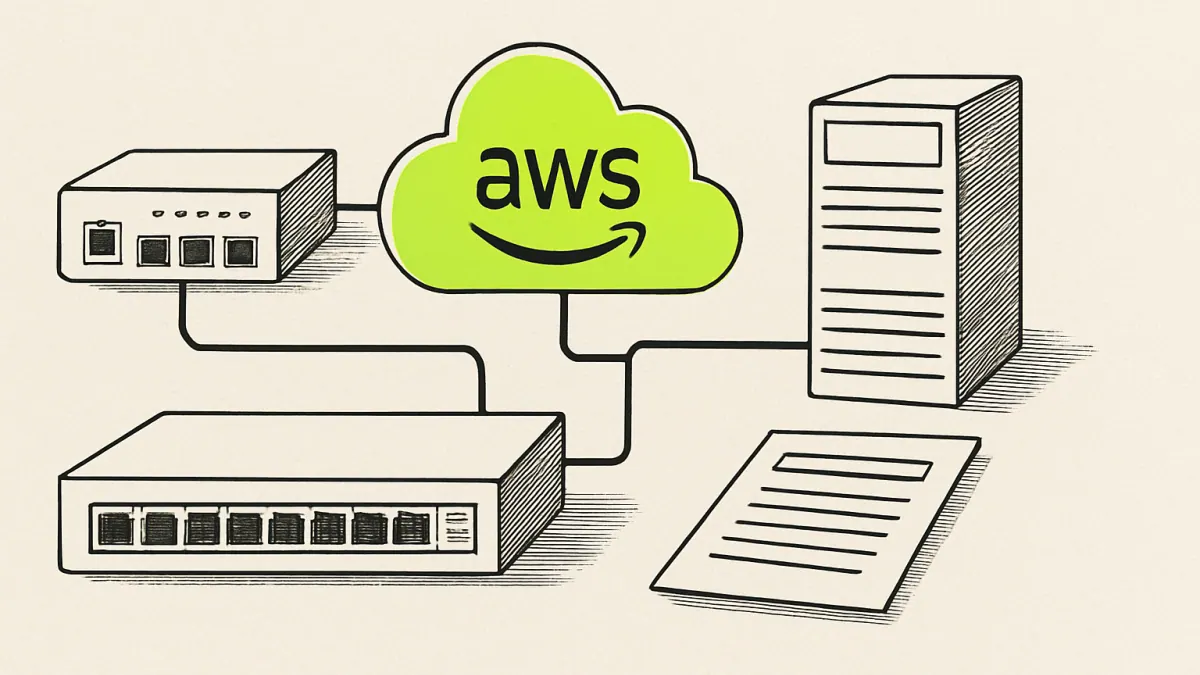
AI generated — machine-made illustration, not a photograph of the event.
Routing Amazon Quick traffic over a VPC endpoint using AWS PrivateLink keeps queries inside your existing Direct Connect or Site-to-Site VPN, cutting exposure and simplifying audits.
What actually changed
AWS published a walkthrough showing how to connect on‑premises data sources to Amazon Quick so traffic does not traverse the public internet. The approach starts from an existing AWS Direct Connect or AWS Site‑to‑Site VPN link between your on‑premises environment and a VPC, and then adds VPC endpoints powered by AWS PrivateLink so that Quick reaches those data sources privately. The blog frames this as a way to keep sensitive enterprise data inside controlled network boundaries and reduce the exposure that comes from routing over the public internet — in the author’s words, connecting data "without traffic traversing the public internet."
Step‑by‑step checklist you can follow this week:
- Confirm your network foundation: verify an active AWS Direct Connect or Site‑to‑Site VPN session connecting your on‑premises network to the target VPC.
- Identify the Quick components and the VPC where they will run or be reached from.
- Create VPC endpoints for Amazon Quick using AWS PrivateLink in that VPC, following AWS console or API guidance.
- Ensure your on‑prem routing and network ACLs route traffic for Quick’s endpoint IPs or DNS names across the existing Direct Connect/VPN path.
- Apply security rules (security groups, firewall rules) to permit the required traffic from the on‑premises network to the VPC endpoint and from the endpoint to the data source.
- Point Amazon Quick’s agents or data‑source configuration at the PrivateLink endpoint (private DNS or endpoint IP) and run functional tests.
- Verify logs and network flows to confirm traffic stays on the private link.
This sequence keeps the rollout focused: confirm connectivity, create the PrivateLink endpoints, adjust routing/security, update Quick, test and audit.
Who it affects
- IT and network teams who already manage AWS Direct Connect or Site‑to‑Site VPN links. The walkthrough assumes that link is in place.
- Security, compliance and audit owners who need to reduce exposure of internal data paths and maintain stronger network boundaries. The blog explicitly links this pattern to regulatory concerns including HIPAA, FedRAMP and PCI‑DSS.
- Teams running or evaluating Amazon Quick for dashboards, agents or AI workflows that must query on‑premises data without touching the public internet.
What it costs or what it replaces
- The announcement does not state pricing. It replaces routing Quick traffic over the public internet with a private path that uses your existing Direct Connect or Site‑to‑Site VPN plus VPC endpoints powered by AWS PrivateLink. That change shifts risk from internet exposure toward network and endpoint configuration responsibilities inside your VPC.
What we don't know
- Whether the walkthrough requires specific Amazon Quick versions, agents or configuration flags.
- Exact configuration details for security groups, route propagation, DNS settings or port lists for Quick; the summary does not include those specifics.
- Any operational limits or quotas for the number of PrivateLink endpoints required for complex deployments.
- Whether AWS provides sample CloudFormation templates or step‑by‑step console screenshots in the full post.
What to do next
- Validate prerequisites: this week confirm you have an active Direct Connect or Site‑to‑Site VPN to the VPC you will use for Amazon Quick access.
- Reserve an afternoon to create and test one PrivateLink VPC endpoint for Quick: configure the endpoint, adjust on‑prem routing and security rules, update Quick to use the private endpoint and verify traffic stays on the private link.
- Log results and open a short runbook: record the DNS/endpoint settings, security rules and verification checks so the configuration can be repeated or audited.
- AWS Machine Learning Blog — original reporting
Links above go to the original publisher. Signalcraft states the consequence; it does not reproduce their text.
0 comments
No comments yet. If you have run any of this, that is the most useful thing you could add.