Reduce voice-agent wait by streaming sentence-level TTS on SageMaker AI
Stream each sentence to a hosted Kokoro-82M model on Amazon SageMaker AI so audio can begin before the agent finishes; this guide shows how to cost and test it this week.
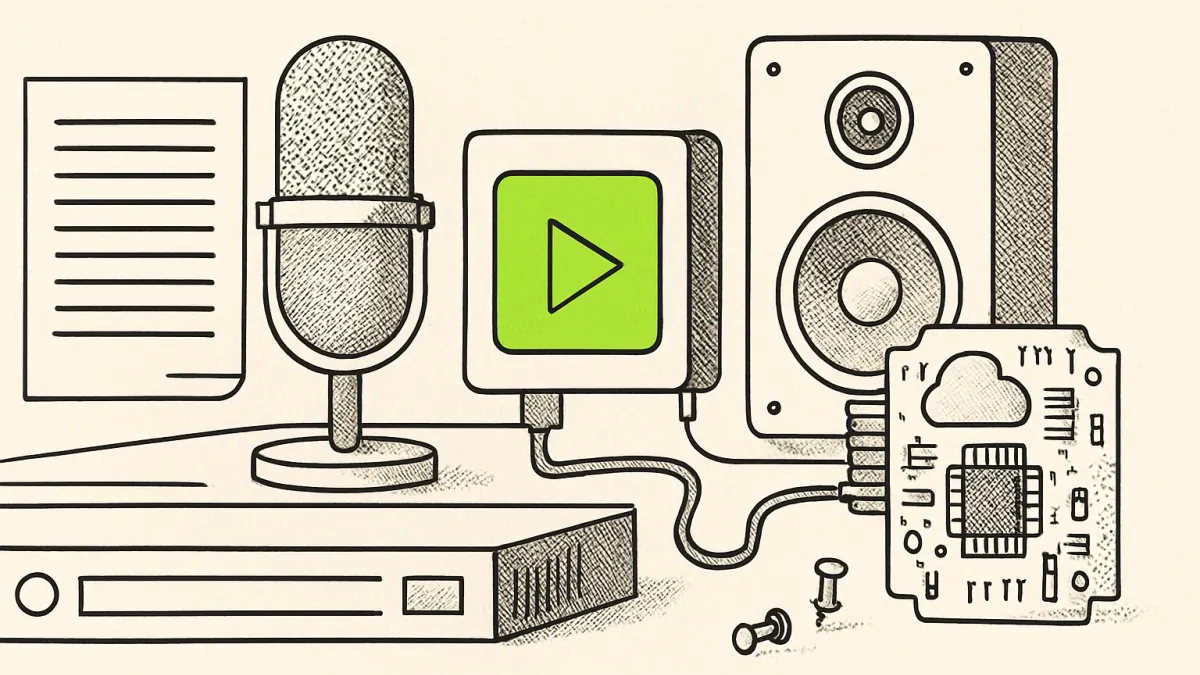
AI generated — machine-made illustration, not a photograph of the event.
Streaming synthesis starts audio playback earlier but changes your cost profile: expect more frequent TTS calls and different transport costs to budget for.
What actually changed
AWS shows how to send each sentence from an AI agent to a hosted text‑to‑speech model as soon as it is produced, rather than waiting for the agent to finish the whole response. The example uses a hosted "Kokoro-82M" model on Amazon SageMaker AI and streams sentence‑level text so synthesis can start on sentence one. The post contrasts that with the common batching approach, where a single short reply can appear in ~600 ms but a longer multi‑sentence answer can take ~5 seconds before audio begins.
The blog also covers two ways to get the resulting audio back to a browser and compares their cost profiles.
Who this affects
- Teams that run customer‑facing voice agents or virtual assistants that serve audio in a browser or web app.
- Operations and product managers who measure user drop‑off during agent responses and need to justify TTS costs.
- Engineers responsible for streaming transport and audio playback in client apps.
If you have users abandoning conversations during multi‑sentence answers, moving synthesis earlier will directly reduce the silence before audio starts.
What it costs or what it replaces
This replaces a batch TTS workflow that waits for a full generated response with a streaming workflow that issues TTS requests per sentence. That changes billing from fewer, larger TTS requests to more frequent, smaller requests and adds persistent or more frequent transport activity between server and client.
The announcement does not state pricing. To estimate your cost impact this week, follow these practical steps:
- Count sentences per typical session: export logs or run a short capture of 100 real sessions and compute mean sentences per answer.
- Measure TTS request rate: with sentence‑level synthesis you will make one TTS call per sentence (plus any retries). Multiply mean sentences/session by forecasted sessions/day to get daily TTS calls.
- Estimate audio bandwidth: record mean audio bytes per sentence to forecast egress and client bandwidth for each transport option.
- Pull SageMaker and network pricing from your AWS console or the public price pages and multiply by the forecasted calls and egress. The blog explains transport trade‑offs but does not publish the numeric rates here.
Those calculations will show whether the perceived latency improvement is affordable given your traffic.
What we don't know
- Exact per‑request or per‑minute charges for the hosted model and the two transports described in the blog.
- Recommended Amazon SageMaker instance types or configuration for production traffic.
- The blog's measured effect on user engagement or abandonment for a production workload.
What to do next
- Instrument a 100‑session pilot: log timestamps for sentence generation, TTS request start, audio start in the browser, and session abandonment. Use these logs to confirm the current audio gap and to record average sentences per response.
- Follow the AWS blog to deploy the hosted model to SageMaker and implement sentence‑level streaming in a staging build. Run an A/B test (streaming vs batch TTS) for a week and collect the same timestamps and bandwidth metrics.
- Use your pilot numbers to compute monthly TTS calls and egress, then apply AWS pricing from your account to produce a monthly cost estimate; choose the transport option from the blog whose latency and bandwidth trade‑offs match your budget and user‑experience targets.
- AWS Machine Learning Blog — original reporting
Links above go to the original publisher. Signalcraft states the consequence; it does not reproduce their text.
0 comments
No comments yet. If you have run any of this, that is the most useful thing you could add.